
An Introduction to PassKit
Discover what PassKit is and how businesses can create, distribute and manage digital passes for Apple Wallet and Google Wallet.
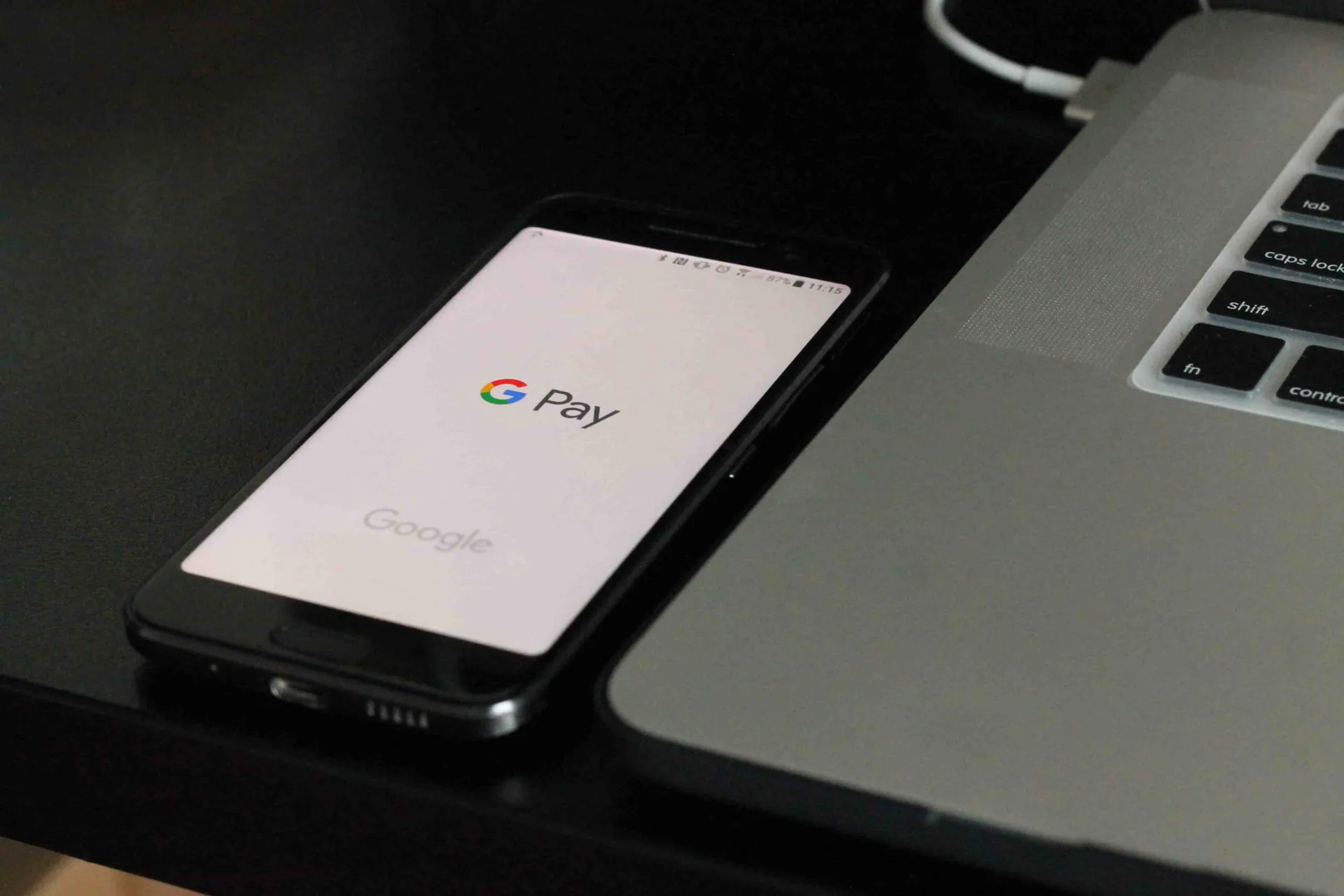
PassKit is a platform for creating, distributing and managing digital passes across Apple Wallet and Google Wallet.
Instead of building and maintaining separate wallet infrastructure, businesses can use the PassKit platform to create branded passes, connect customer data, distribute passes through existing channels and keep them useful after they have been added to a customer’s phone.
That distinction is important. PassKit is not simply a tool for producing a digital image of a plastic card.
Wallet passes can form part of a wider customer journey. Membership details can change. Loyalty balances can update. Coupons can be redeemed. Event information can be changed. Businesses can connect these actions to the systems they already use rather than treating the wallet pass as an isolated file.
So what does PassKit actually do, and where does it fit into a business’s existing technology?
What Does PassKit Actually Do?
PassKit provides the infrastructure between a business and Apple Wallet or Google Wallet.
A business defines the experience it wants to provide, while PassKit handles the creation and management of the digital passes used to deliver that experience.
The platform can support several different types of wallet programmes, including digital loyalty cards, membership cards, coupons, offers and event tickets.
Create Digital Wallet Passes
The first part of the process is creating the pass itself.
Businesses can use the PassKit Pass Designer to control elements such as branding, colours, images, pass fields and other information shown to customers.
The same underlying template can then be used across large numbers of individual passes.
For example, a membership programme may use the same design for every customer while displaying a different name, membership number, status or expiry date on each pass.
This avoids having to create every digital card individually.
Manage Individual Customer Passes
A wallet programme often needs more than one generic pass.
Different customers may have different information associated with the same programme.
One loyalty member may have 500 points while another has 2,000. One customer may have a standard membership while another has reached a higher tier. An event ticket may contain information specific to a particular attendee.
PassKit allows businesses to combine a common pass design with data belonging to individual customers.
This makes it possible to operate a wallet programme at scale while keeping each pass relevant to the person carrying it.
PassKit Connects Wallet Passes to Business Data
One of the biggest differences between a wallet pass and a static digital card is that the information on a pass does not necessarily have to remain the same after it has been issued.
Businesses can use wallet pass updates to keep information current throughout the life of the pass.
Keep Customer Information Current
Depending on the programme, changing pass information might include:
- Loyalty points
- Reward balances
- Membership tiers
- Membership status
- Coupon availability
- Offer expiry information
- Event details
- Ticket information
- Customer entitlements
- Stored values
- Operational messages
The customer can continue using the same pass while the information associated with it changes.
This is particularly useful for programmes where customer status or business information changes regularly.
Connect PassKit to Existing Systems
PassKit does not have to replace the systems a business already uses.
A CRM, customer database, loyalty platform, ecommerce system, point-of-sale platform, ticketing system or internal application may remain the source of truth for customer information.
PassKit can operate as the wallet layer connected to those systems.
Businesses that need deeper connections can use PassKit’s developer tools and integrations to connect wallet activity with their existing technology stack.
This means a business does not necessarily need to rebuild its customer infrastructure just to add Apple Wallet and Google Wallet.
One Platform for Apple Wallet and Google Wallet
Apple Wallet and Google Wallet are separate ecosystems with their own technical requirements.
PassKit provides businesses with a way to manage wallet programmes across both from the same platform.
Rather than running completely separate customer programmes for iPhone and Android users, businesses can build a common wallet experience and deliver the appropriate pass for the customer’s device.
This is useful when a business wants wallet passes to become part of an existing customer journey rather than a standalone technology project.
Avoid Building Separate Wallet Infrastructure
A company could build its own infrastructure for Apple Wallet and Google Wallet.
That requires development resources as well as ongoing responsibility for pass generation, customer data, distribution, updates and wallet compatibility.
PassKit provides that underlying wallet infrastructure so businesses can focus on how the pass should work for the customer.
For teams that want to understand the broader wallet concept first, our guide to what Apple Wallet is explains how passes fit into Apple’s wallet ecosystem.
How Do Customers Receive a PassKit Pass?
Creating a pass is only useful if customers can actually receive it.
PassKit supports different ways of delivering wallet passes so the distribution method can match the existing customer journey.
Businesses can learn more about these options through PassKit pass distribution.
Pass URLs
One of the main distribution options is a Pass URL.
A Pass URL gives a customer a link that can lead them into the appropriate wallet installation experience.
These links can be distributed through channels such as:
- SMS
- Websites
- QR codes
- Customer portals
- Mobile applications
- CRM communications
This allows the wallet pass to be introduced at a point in the journey that already makes sense for the customer.
For example, a membership pass might be offered immediately after registration, while an event ticket could be delivered after a successful booking.
Existing Customer Channels Can Still Be Used
Businesses do not have to create a completely new communication channel just because they introduce wallet passes.
If customers already receive emails, text messages or account notifications, the wallet pass can be incorporated into those existing journeys.
This reduces the amount of additional behaviour being asked of the customer.
The objective is not to make customers learn another system. It is to put useful information into Apple Wallet or Google Wallet, where it can remain accessible on their phone.
PassKit for Loyalty Programmes
One of the most common uses for wallet passes is customer loyalty.
Businesses can use digital loyalty cards to make rewards, balances and loyalty information available through Apple Wallet and Google Wallet.
This can remove some of the friction associated with traditional loyalty programmes.
Customers do not need to remember a physical card, and businesses do not necessarily need to convince them to install another dedicated application.
Keep Loyalty Information Accessible
A digital loyalty pass can display information such as:
- Customer name
- Member number
- Points balance
- Reward status
- Loyalty tier
- Available rewards
- Relevant programme information
Because the pass can be updated, the information shown to the customer can change as their relationship with the business develops.
For businesses considering whether they need a separate application at all, our guide to alternatives to building a loyalty app looks specifically at that decision.
Connect Loyalty to Existing Systems
PassKit can also sit alongside an existing loyalty platform.
The loyalty system can continue calculating points, rewards or status while PassKit displays the relevant information to the customer through their wallet.
This makes PassKit useful both for businesses building a new programme and for organisations that already have loyalty infrastructure but want a better way to deliver the customer-facing card.
PassKit for Coupons and Offers
Wallet passes can also be used for promotions.
Businesses can create digital coupons and offers that customers save directly to Apple Wallet or Google Wallet.
This gives the customer somewhere persistent to keep the offer instead of relying entirely on an email, text message or webpage that may be difficult to find again later.
Coupons Can Become Part of a Wider Campaign
A wallet coupon can be distributed through existing marketing channels and then remain available on the customer’s phone until it is needed.
Depending on the campaign, the pass may contain:
- Offer details
- Expiry information
- Barcodes or QR codes
- Customer-specific information
- Redemption information
- Updated campaign messaging
This allows the wallet to become the delivery layer for a promotion rather than the entire marketing campaign.
PassKit for Digital Event Tickets
PassKit can also support digital event tickets.
Event organisers can issue tickets that attendees keep in Apple Wallet or Google Wallet instead of relying only on printed tickets, PDFs or confirmation emails.
Wallet tickets can contain information customers need when arriving at an event and can remain accessible from the device they are already carrying.
Ticket Information Can Stay Current
Event details can sometimes change after a ticket has been issued.
A wallet-based approach gives organisers a way to keep relevant ticket information connected to the attendee’s pass rather than forcing the customer to locate another confirmation message.
This makes the pass part of the event lifecycle rather than simply a digital replacement for a printed ticket.
What Happens When a Pass Is Used?
Issuing a pass is not necessarily the end of the workflow.
For many programmes, the customer eventually presents that pass to perform an action.
That could mean redeeming a coupon, validating a membership or presenting an event ticket.
PassKit provides pass redemption and validation tools for these operational moments.
Redemption Connects the Digital Pass to the Real World
A wallet programme becomes much more useful when the business has planned what happens when the customer actually presents the pass.
For example:
- A coupon may need to be marked as redeemed.
- A membership pass may need to be validated.
- An event ticket may need to be checked at the entrance.
- A loyalty card may need to identify the correct customer.
The wallet pass therefore sits between the digital customer journey and the physical interaction with the business.
Measure What Happens After Passes Are Issued
Businesses also need to understand what happens after wallet passes are created and distributed.
PassKit provides wallet pass analytics covering parts of the pass lifecycle and distribution process.
This can help teams understand how passes are being issued, installed, updated and used within the wider programme.
Improve the Programme Over Time
Wallet analytics can help answer operational questions such as:
- How are passes being distributed?
- Which distribution sources are being used?
- Are customers installing the passes they receive?
- What lifecycle changes are occurring?
- Are passes being updated successfully?
- What redemption activity is being recorded?
That information can then be used to improve future distribution, programme design and customer journeys.
PassKit Gives Business Teams and Developers Different Levels of Control
Not every wallet programme needs the same level of technical involvement.
Some businesses may want to create and manage passes primarily through the PassKit Portal.
Others may need PassKit deeply connected to their own applications and backend systems.
PassKit supports both approaches.
Business Teams Can Manage the Wallet Experience
Teams can use the platform to control the customer-facing pass experience without needing to rebuild the underlying integration every time something changes.
This can include managing branding, templates, pass content and programme configuration.
The aim is to avoid turning every routine wallet change into a new software development project.
Developers Can Integrate PassKit Into Existing Products
When deeper control is needed, developers can use the PassKit developer platform to incorporate wallet programmes into existing applications and services.
This can allow a business’s own systems to control when passes are created, what information they contain and how events flow between PassKit and other applications.
The PassKit integration tools also provide routes for connecting wallet activity with other parts of the business stack.
Why Businesses Use PassKit
The main reason to use PassKit is not simply to create something that looks like a digital card.
It is to avoid having to build, operate and maintain the wallet infrastructure required to make digital passes useful at scale.
PassKit provides the layer needed to move from a pass design to an operating wallet programme.
That includes creating the pass, connecting data, getting it onto the customer’s phone, keeping it current, handling real-world use and understanding what happens throughout its lifecycle.
Businesses can start with a relatively simple wallet use case and add deeper integration when the programme requires it.
For some organisations, that could mean a digital loyalty card.
For others, it could mean memberships, coupons, event tickets or a wallet experience connected directly to existing customer systems.
The underlying principle remains the same: use Apple Wallet and Google Wallet as part of the customer experience without having to build the entire wallet infrastructure yourself.