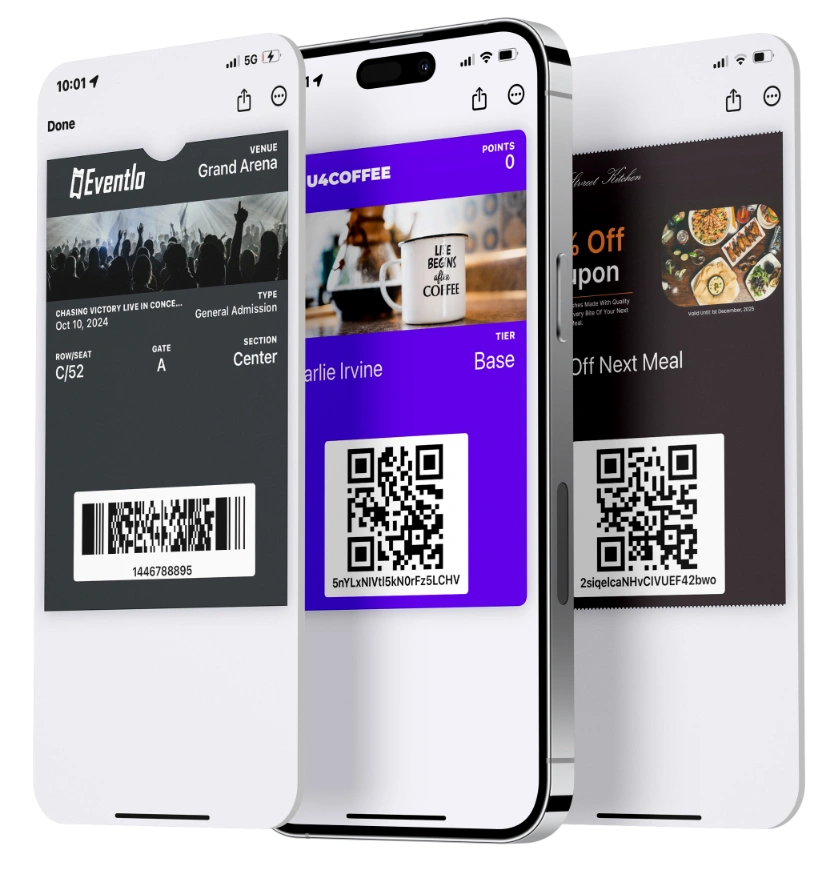


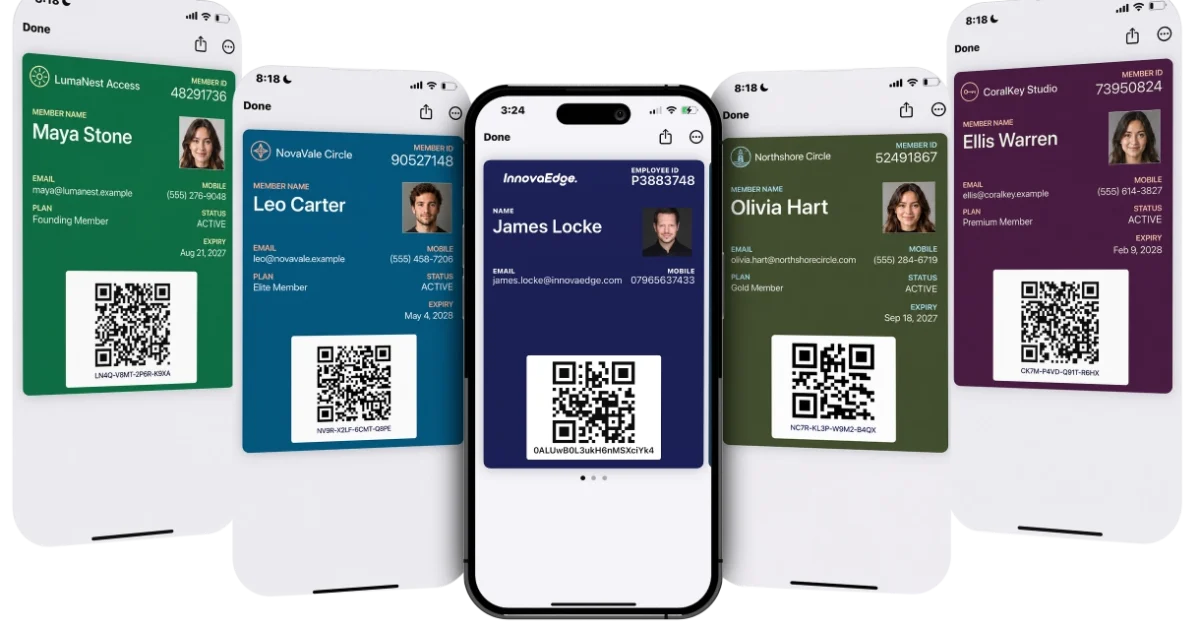

Membership cards should make it easy for members to prove who they are, use their benefits, and move through check-in without slowing staff down.
Physical cards are familiar and can feel more premium in the right setting, but they create extra work when members lose them, renew, or need updated details. Digital membership cards reduce that admin because teams can update, resend, and verify cards without printing replacements.
This guide compares digital and physical membership cards so you can choose the format that fits your members, your check-in process, and the work your team can manage.
Digital Membership Cards vs Physical Cards Quick Verdict
Digital membership cards make more sense when a card needs to stay current after it has been issued. They are better suited to programs with renewals, changing access, different member tiers, and frequent check-ins, especially when members can save cards to Apple Wallet or Google Wallet.
Physical membership cards still make sense when members prefer printed cards, program details rarely change, or the card is part of a premium member experience. The right choice depends on whether your team needs a card that reflects live membership status or a fixed printed record.
Digital Membership Cards vs Physical Cards At A Glance
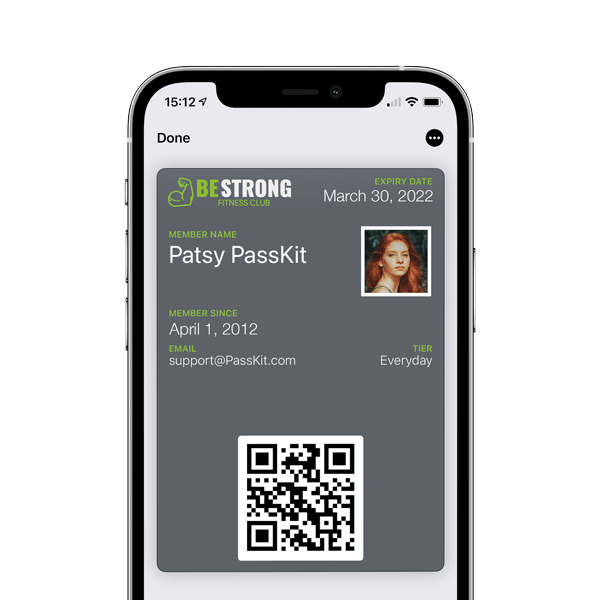
The fastest way to choose between digital and physical membership cards is to compare the day-to-day work each format creates for members and staff.
| Factor | Digital Membership Cards | Physical Membership Cards |
|---|---|---|
| Cost | Lower long-term admin, replacement, and reissue costs | Printing, mailing, storage, and replacement costs can add up |
| Convenience | Members can keep the card on their phone | Members need to carry a separate card |
| Updates | Card details can be changed after issue | Updated details usually require a new card |
| Replacements | Cards can be resent when members lose access | Lost cards need to be reprinted or replaced manually |
| Verification | Easier to check at the front desk or entrance | Often depends on visual checks or manual lookup |
| Misuse Risk | Easier to update, expire, or revoke access | Easier to share, copy, or keep using after expiry |
| Member Fit | Best for mobile-first members and multi-location programs | Best for members who prefer printed cards or simple programs |
| Best Use Case | Organizations that need control, updates, renewals, and faster checks | Organizations with low-change memberships or a premium printed card experience |
Digital membership cards make the most sense when membership details need to stay current after issue. They reduce the admin behind expired access, lost cards, and member status changes.
Physical membership cards still have a place when the card is part of the brand experience or members strongly prefer print. They work best when the card is mostly symbolic and the team rarely needs to change what it represents.
The Main Difference Between Digital And Physical Membership Cards
A membership card only works if members can present it easily and staff can trust what it says. The biggest difference between digital and physical membership cards is where that trust comes from. A physical card depends on the information printed on the card. A digital membership card can stay closer to the current member record behind it.
Access
Digital membership cards are easier to keep within reach because they sit on the device members already use throughout the day. That does not make them perfect, but it removes the need to carry a separate plastic or paper card just to prove membership.
Physical cards rely on the member remembering the object itself. That can work well for members who like having a card in their wallet, but it creates a clear limit. If the card is at home, in another bag, or missing, the member experience depends on how staff handle the exception.
Control
The main control difference is the source of truth. With a digital membership card, the card can stay connected to the current member record, so staff are not relying only on what was issued months ago.
A physical card is more static. It may look valid at the desk even when the member record has changed elsewhere. That is why physical cards often need a second check when access, status, or entitlement matters.
Replacement
Digital replacement is usually about restoring access to the same card experience. Staff need a way to help the member find the card again, resend the link, or guide them through adding it back to their phone.
Physical replacement is different because the card has to be recreated as an object. That means producing it, handing it over, mailing it, or recording that a new card has been issued. The work is not just technical. It becomes part of the team’s daily operations.
Pros And Cons Of Digital And Physical Membership Cards
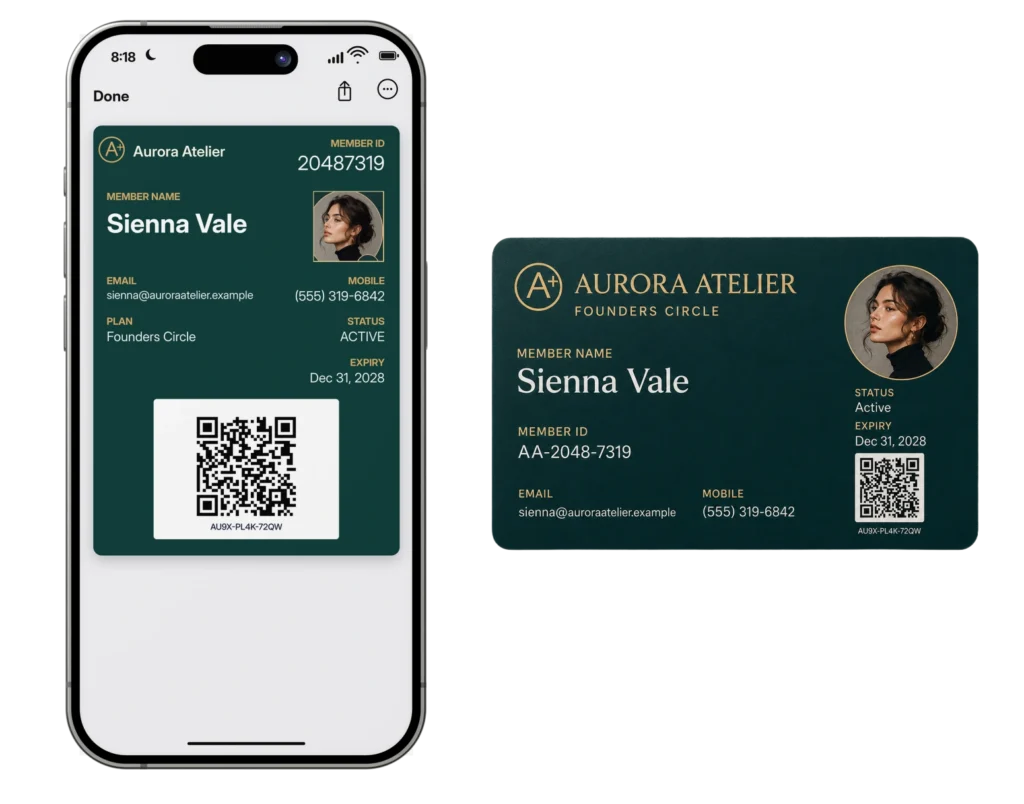
The main pros and cons depend on how closely the card needs to stay tied to the member record. A static card is easier to manage when nothing changes. A flexible card matters more when the program has renewals, tiers, expired access, and different rules for different members.
Digital Membership Card Pros
Digital membership cards are strongest when the card needs to stay connected to the member record.
- Teams can change status, expiry dates, access details, and member tiers without issuing another card.
- Staff can help members regain access without starting a physical replacement process.
- Members who already use phone wallets can keep their card with other passes they use often.
- Digital cards are easier to manage when one organization has different locations, tiers, renewal dates, or access rules.
That makes digital cards a better fit when the card needs to reflect what is true now, rather than what was printed when the card was issued.
Digital Membership Card Cons
Digital cards still need a clean rollout because the experience depends on member adoption and staff habits at check-in.
- Some members will still ask for a printed card.
- Staff need a backup process when a member cannot access the card on their phone.
- Poor launch instructions can create support requests.
- Phone issues can still slow down check-in if staff are not prepared.
The fix is straightforward, but it needs planning. Staff should know the backup process before members start asking for help at check-in.
Physical Membership Card Pros
Physical membership cards still work well when the printed card adds something to the member experience.
- Members know how to use them without extra instructions.
- They work without a phone, app, or wallet pass.
- A printed card can feel more premium for clubs, associations, gyms, and private venues.
- They suit memberships where status, tiers, and expiry details rarely change.
That makes physical cards useful when familiarity matters more than live updates or tighter control over member status.
Physical Membership Card Cons
Physical cards create problems when staff cannot trust what is printed on them.
- Lost cards need manual replacement.
- Renewals, upgrades, and expired memberships can make printed details outdated.
- Staff may need to check another system before accepting the card.
- Cards can be shared, copied, forgotten, or kept after a member loses access.
This is where physical cards create the most friction. They are simple for members to understand, but they can become expensive and awkward for the team managing them.
How To Switch From Physical Membership Cards To Digital Membership Cards
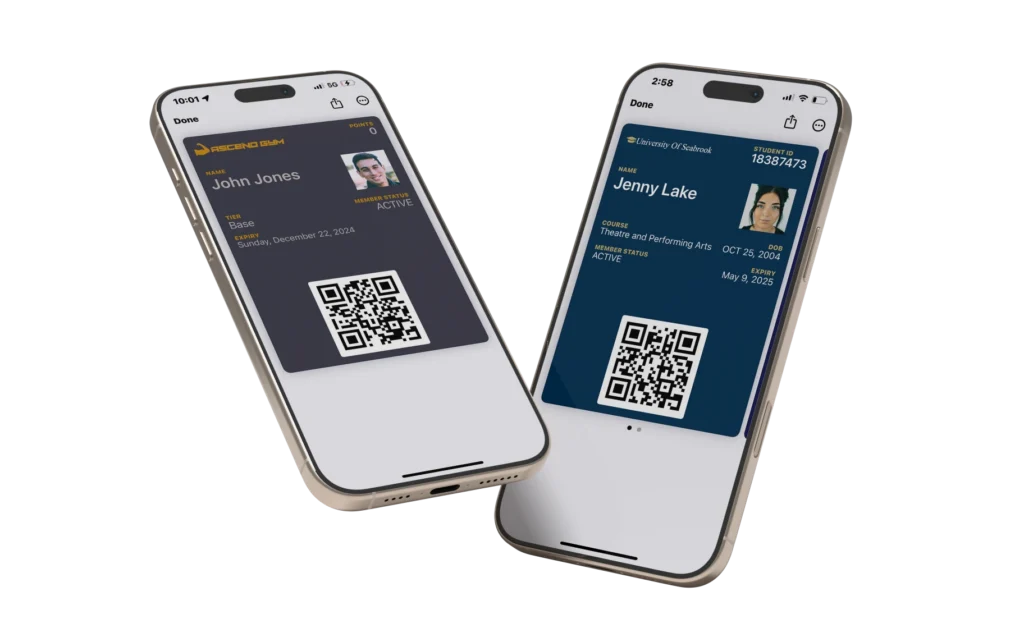
A good rollout keeps the change simple for members and manageable for the team. Members should know where the new card comes from, employees should know how to help at check-in, and the old printed-card workflow should be phased out before it becomes a second system to maintain.
Start With The Easiest Group First
New members are the best place to start because they are not already used to receiving a printed card. A single location, branch, tier, or renewal group can also work if you want to test the rollout before opening it to everyone. Use that first group to find weak instructions, support gaps, and check-in problems while the impact is still small.
Explain The Change In One Clear Message
The first message should tell people what is changing, where their card will arrive, and what they need to do next. Keep the focus on the action, not the technology. A short email, SMS, or member portal notice will work better than a long explanation that makes the change feel harder than it is.
Prepare The Front Desk Before Members Arrive
The front desk team should know how to explain the new card, where to send members for help, and what to do if someone cannot access their phone. The goal is consistency. A member should get the same answer whether they visit one location or another.
Use Printed Cards As A Temporary Backup
Printed cards can stay available during the transition, but they should not remain the normal option forever. Decide which members still qualify for one and make that rule clear before launch. Without a clear limit, the team ends up supporting two card workflows instead of moving to one cleaner system.
Remove Old Card Instructions Once The Rollout Is Stable
After the new system is working, clean up the old materials that still point members toward printed cards. Update onboarding emails, renewal messages, help pages, forms, and front desk notes. This final step matters because old instructions are usually what keep outdated habits alive.
PassKit lets you create digital membership cards for Apple Wallet and Google Wallet, update member details without reprinting, and test the process with a 45-day free trial.
How To Measure If Digital Membership Cards Are Working
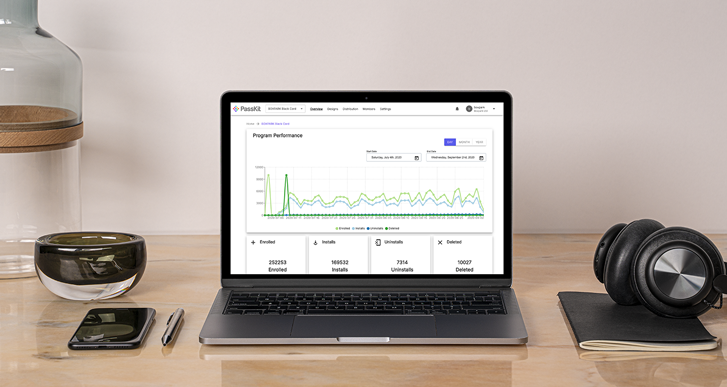
A digital membership card rollout should be judged by what changes after launch. The card should become easier for members to use, easier for staff to support, and cleaner to manage over time.
Digital Card Activation Rate
Start by checking how many members actually save or activate their digital membership card after receiving it. If the number is lower than expected, the problem is usually not the card itself. It is more likely that the delivery message is unclear, the link is easy to miss, or members do not understand what they are supposed to do next.
Check-In Problems
Watch what happens when members arrive at the front desk, entrance, or reception point. If people are regularly opening the wrong email, looking for the card in the wrong place, or asking staff to explain the same step, the rollout needs clearer instructions. This is where small friction shows up first.
Member Support Requests
Compare support requests before and after the switch. The number should fall over time once members understand the new process. If support tickets stay high, look at the wording in your emails, the timing of your reminders, and the way staff explain the card during check-in.
Printed Card Exceptions
Track how many members still ask for a physical card after digital cards become the default. A small number of exceptions is normal, especially during the transition. A large number means the digital process may not be clear enough, or the organization may need to explain the benefit more directly.
Staff Feedback
Staff will usually spot rollout problems before the data does. Ask them which questions keep coming up, where members get stuck, and whether the backup process is easy to follow. Their feedback can show whether the new card is working in real life, not just inside the system.
Once the rollout settles, card issues should become easier to handle each week. Members should need less help, staff should use fewer workarounds, and support requests should become less repetitive.
Relevant Membership Articles:
Digital Membership Card Software
Frequently Asked Questions
The questions below focus on the practical decisions that come up after comparing digital and physical membership cards. They cover when to switch, when to keep printed cards, how to manage a hybrid rollout, and how to know whether digital cards are actually reducing work for your team.
Are Digital Membership Cards Better Than Physical Membership Cards?
Digital membership cards are the better fit when the card needs to reflect current membership status rather than a static proof of joining. They suit organizations where members check in often, renew at different times, move between tiers, use different access levels, or visit more than one location.
Physical membership cards still work when the card is part of the member experience and the program rarely changes. The better choice depends less on the format itself and more on how much control your team needs after the card has been issued.
Should You Replace Physical Membership Cards With Digital Cards?
You should replace physical membership cards with digital cards when printed cards create too much manual work. Common signs include frequent lost-card requests, outdated expiry dates, slow check-in, member status confusion, or staff needing to verify card details in another system.
A full replacement does not need to happen all at once. Many organizations make digital membership cards the default for new members first, then keep printed cards available for members who need more time during the transition.
When Should You Keep Physical Membership Cards?
Physical membership cards are worth keeping when members genuinely need or value a printed card. That may include older member groups, premium clubs, private associations, or programs where the card is used rarely and member details do not change often.
The key is to keep physical cards for a clear reason, not just because they have always been used. If printed cards are creating avoidable admin, support requests, or verification problems, they should become the exception rather than the default.
Can You Use Digital And Physical Membership Cards Together?
You can use digital and physical membership cards together, especially during a rollout. A hybrid setup helps members adjust while giving your team time to test digital card delivery, staff training, check-in rules, and support processes.
The risk is letting both formats run as equal options forever. Digital cards should usually become the default if the goal is lower admin, while printed cards should stay available only for members who genuinely need them.
What Is The Biggest Risk When Switching To Digital Membership Cards?
The biggest risk is a messy rollout where members do not know where to find the card, staff do not know how to help, and every location handles check-in problems differently.
A smooth switch needs clear member instructions, trained staff, a backup rule for phone issues, and a defined transition period. Without those pieces, digital membership cards can create short-term confusion even if they reduce admin over time.
How Do You Know If Digital Membership Cards Are Working?
Digital membership cards are working when members activate them, check-in problems decrease, and support requests become less repetitive. The rollout should make the card easier to use for members and easier to manage for the team.
Track activation rate, front desk issues, member support requests, printed card exceptions, and staff feedback after launch. If those signals improve over time, the digital membership card process is doing its job.
How Long Should You Keep Physical Cards During A Digital Rollout?
You should keep physical cards during a digital rollout long enough to support members who need help, but not so long that printed cards remain a second default system. The right timeline depends on member adoption, staff readiness, and how quickly check-in issues settle.
A practical approach is to keep printed cards available for a defined transition period, then review the data. If activation rates are strong and support requests are dropping, digital cards can become the normal path while physical cards stay available only for exceptions.