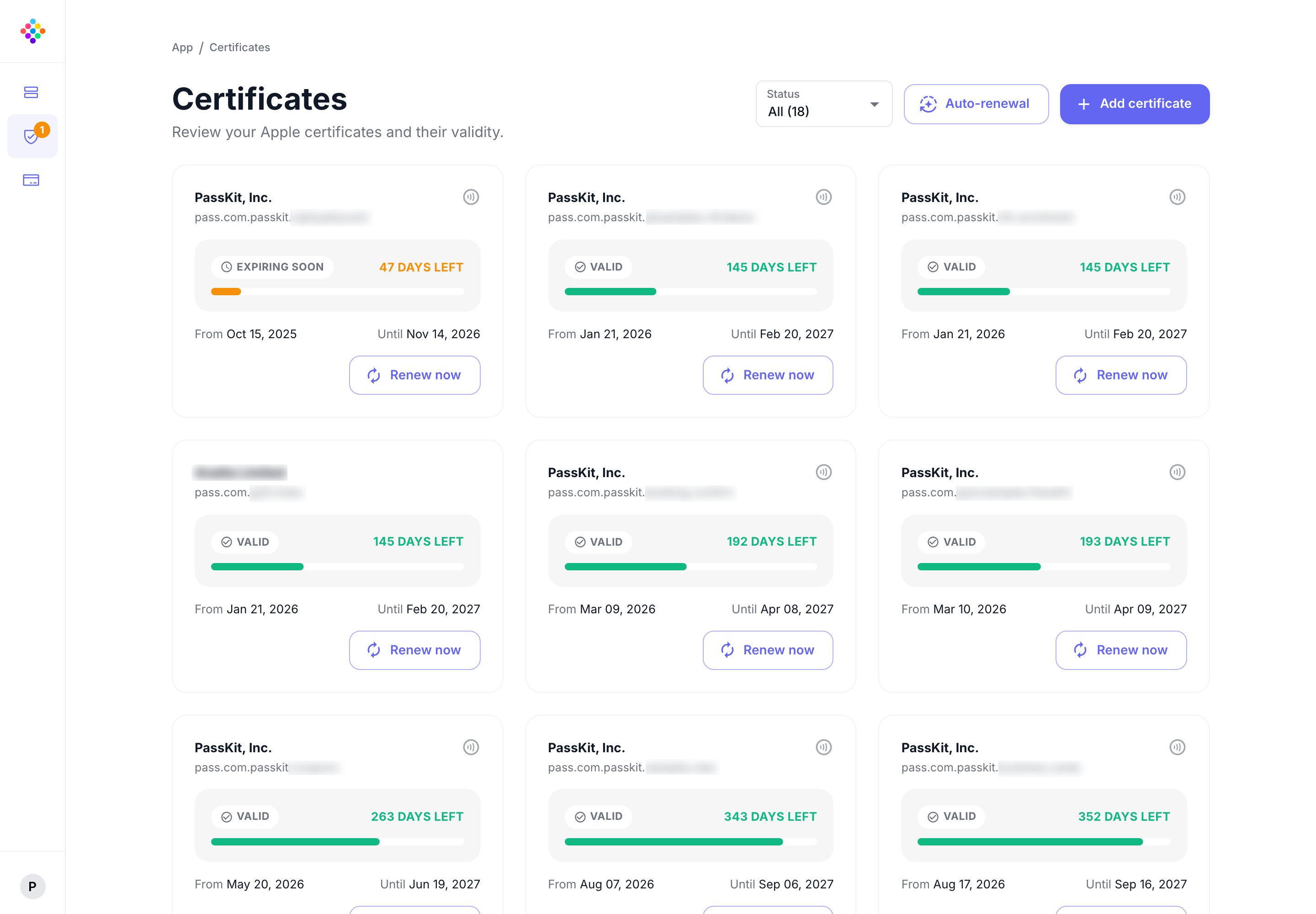
Set it up once
Configure wallet credentials in PassKit and let the platform handle ongoing renewal.

An expired Apple Wallet certificate can prevent new passes from being issued and existing passes from being updated. PassKit handles renewal automatically, removing a recurring dependency that can otherwise be missed when certificate ownership changes hands.
Configure wallet credentials in PassKit and let the platform handle ongoing renewal.
Keep issuing new passes and updating existing ones without certificate expiry getting in the way.
Reduce the risk of renewal being missed when responsibilities change or the original administrator leaves.
PassKit keeps certificates current without your team tracking dates or replacing certificates manually.
Wallet credentials are essential to the day-to-day operation of a pass program. PassKit makes initial certificate management straightforward and keeps Apple Wallet certificates current so routine renewal work does not interrupt issuing or updating passes.
Keep a routine certificate task from becoming a preventable interruption to pass operations.
Account owners can give authorised team members Certificates Access through Team & account management.
Team & account managementLet PassKit handle ongoing renewal rather than relying on a calendar reminder and a manual replacement process.
Spend less time managing certificate dates and more time designing, issuing, and improving useful wallet passes.
Use the Help Center for certificate setup guidance while PassKit takes care of the ongoing renewal work.
Follow practical guidance for adding wallet certificates to your PassKit account.
Open certificate guideWallet Certificate Management is included with the PassKit platform.
What's includedThe practical questions that come up when teams want to keep pass operations running reliably.
It makes wallet credential setup easier and keeps Apple Wallet certificates current automatically after setup.
An expired Apple Wallet certificate can stop new passes from being issued and existing passes from being updated until it is replaced.
It removes a recurring task that can be missed when ownership changes, teams reorganize, or the original administrator is no longer involved.