Loyalty and membership.
Create and manage wallet programmes for customers and members.
Explore loyalty
PassKit helps you create and manage wallet programmes from your own application. Create an account, get the credentials for that account, then start with runnable code or a first API request.
Use PassKit to create loyalty and membership programmes, coupons and offers, event tickets and boarding passes—then distribute, update and connect them to the systems that run your customer journey.
Create and manage wallet programmes for customers and members.
Explore loyaltyIssue offers that can be distributed and updated through a wallet journey.
Explore couponsBuild event-ticket and boarding-pass workflows around your existing data.
Explore ticketingConnect pass activity to the services and workflows around it.
Explore integrationsThis is orientation, not a replacement for the setup guides or API reference. Each step gives you the next action and the right detailed resource.
A PassKit account is required before you can obtain SDK credentials. If you are implementing for a client, agree which client account owns the credentials first.
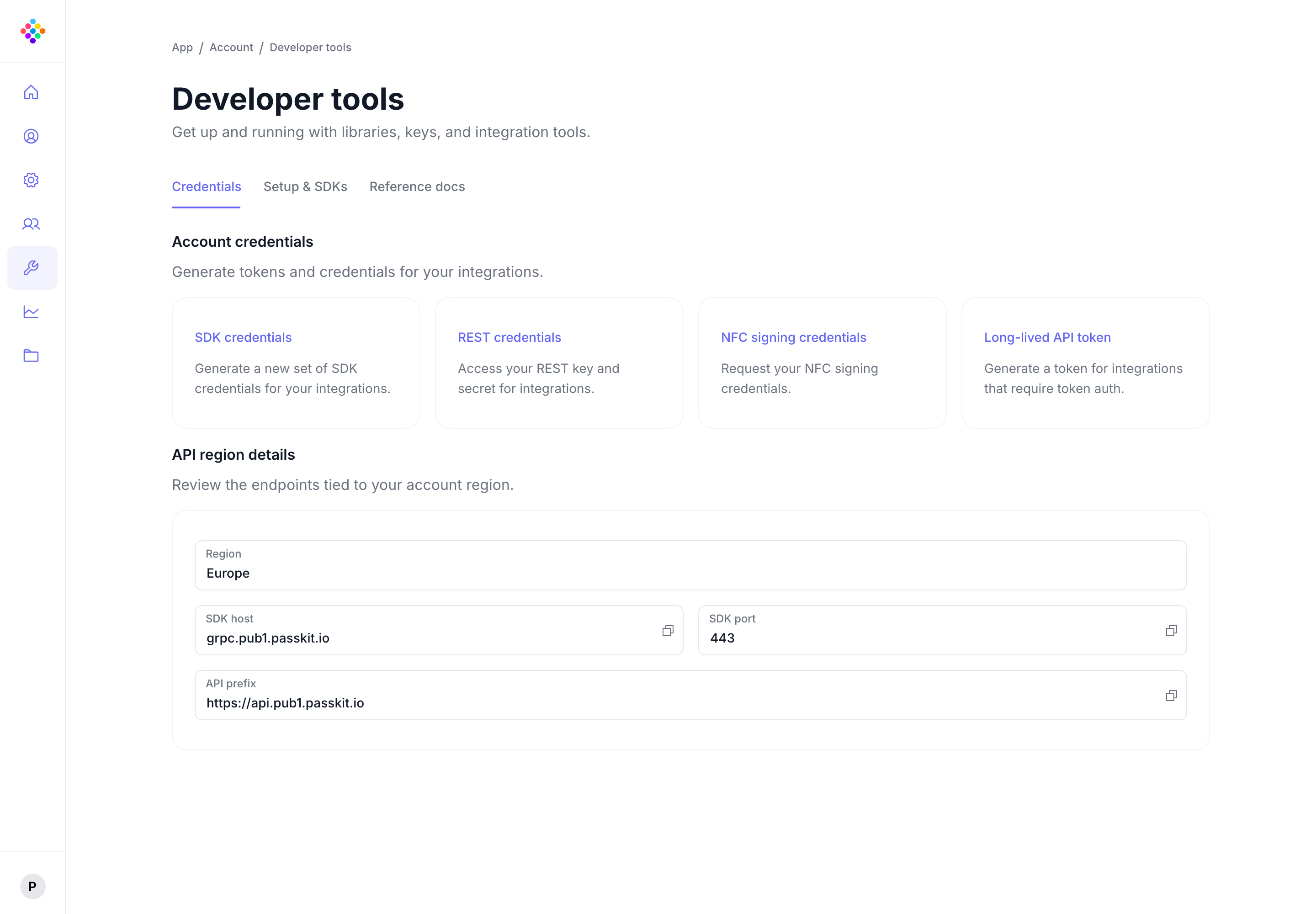
In Developer Tools, request the account credentials. The credential files are sent to the registered email address.
Use the API region or host shown for that account. Keep credentials out of source control and externally hosted AI prompts.
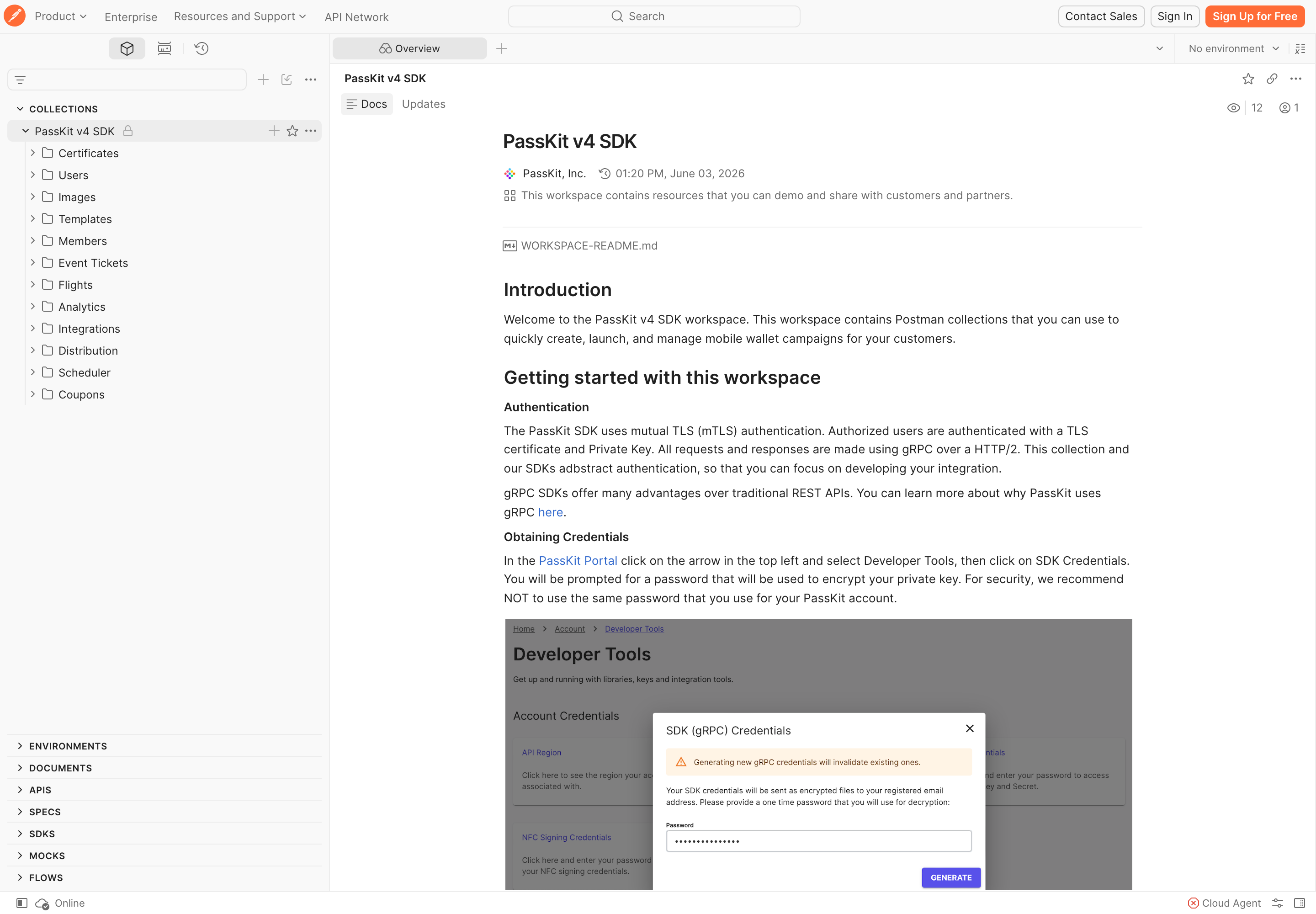
Run a supported QuickStart or make a request in Postman before attempting a complete application.
Both routes need a PassKit account and its credentials. Choose the one that lets you learn fastest; you can move into SDK, REST, gRPC, webhooks or architecture after the core flow works.
Best when you want a working application reference in a supported language. QuickStarts use the SDKs; they are not a separate integration model.
Best when you want to inspect request and response behaviour before choosing an application implementation.
Your first success is an authenticated request or QuickStart run that creates or retrieves the expected PassKit resource and gives you a result you can inspect. Then use the API Reference for the exact endpoint and the Help Centre for guided setup or troubleshooting.
Use the canonical API reference for methods, request schemas and responses.
View API ReferenceUse guided SDK, QuickStart and troubleshooting material when you need it.
Open Help CentreUse webhooks when other systems need to react to pass lifecycle changes.
When to use webhooksBring in architecture when credentials, data sources, retries and rollout need deliberate decisions.
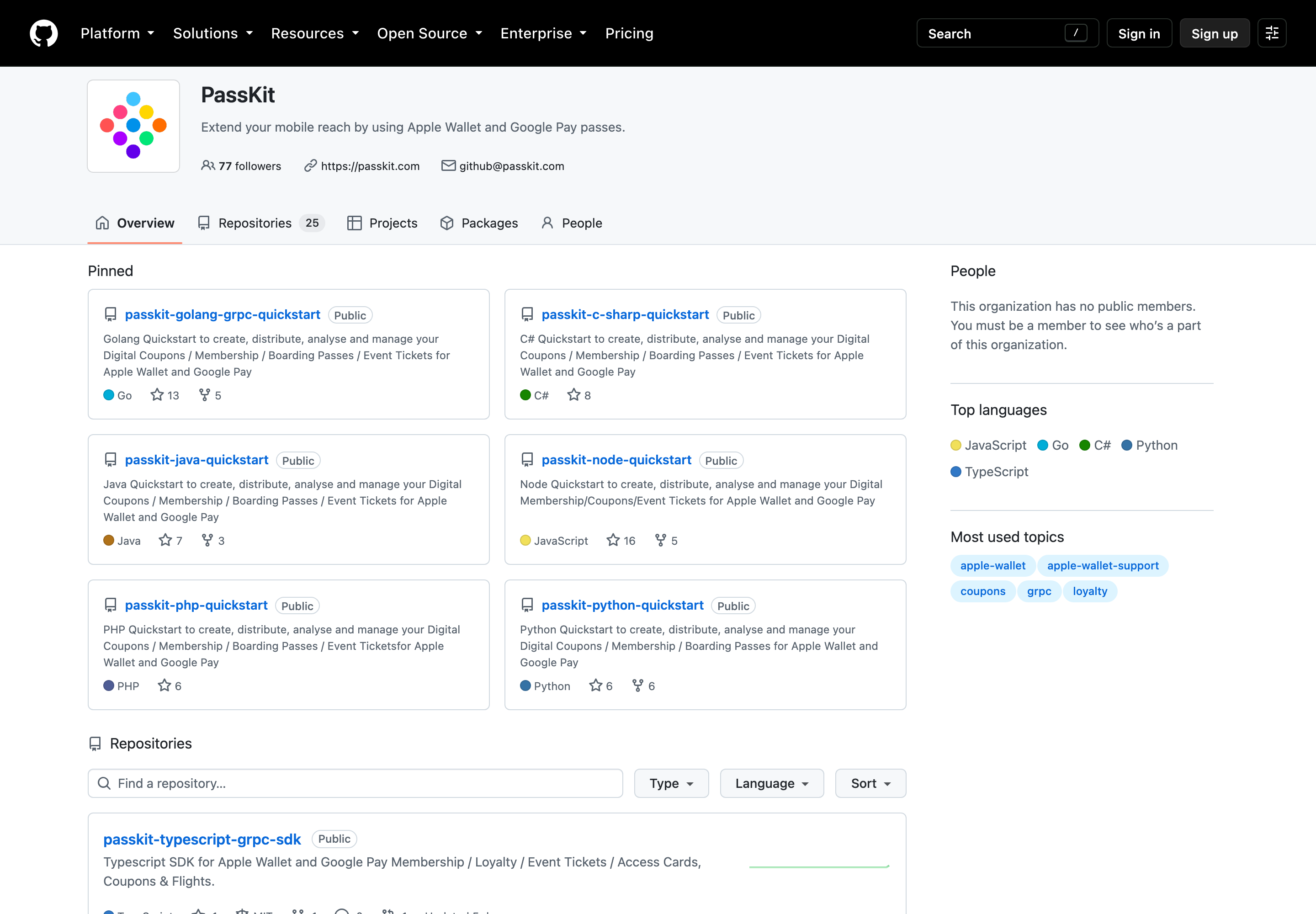
Production architectureUse your preferred coding agent in the IDE to explore and adapt a working PassKit integration. Start with an official QuickStart or the Postman collection, so you can give the agent reliable local context instead of explaining the API from scratch.
Clone a QuickStart or open the Postman collection alongside your application in the IDE.
Let it inspect the project structure and working examples, then point it to the relevant API Reference or request.
Ask the agent to add, explain or troubleshoot a focused part of the integration before moving to the next change.
Check generated code against the API Reference, then test authentication, error handling and production behaviour before release.
Use the API region or host assigned to your account. Store credentials in environment variables or an appropriate secrets mechanism—never in source control or externally hosted AI prompts.
Use these short answers to choose your next step. For implementation details, follow the linked technical resource.
Create a PassKit account, then request developer credentials in the PassKit Portal. They are sent to your registered email address.
Follow the developer setup guide for the full process.
Choose a QuickStart when you want runnable code in a supported language. Choose the official Postman collection when you want to inspect requests and responses first.
After the core flow works, choose the SDK, REST, gRPC or webhook approach that fits your application.
Yes. Open an official QuickStart or the Postman collection alongside your application, then use your preferred coding agent to inspect, explain and adapt the working example incrementally.
Review generated code against the API Reference, test each change, and keep credentials out of prompts and source control.
No. PassKit does not charge per API call. Plans include unlimited API calls within reasonable usage that protects platform performance.
Pricing is based on the platform fee and pass volume. See the pricing FAQ for the current terms.
Use the API Reference for exact methods, request schemas and responses. Use the Help Centre for guided setup and troubleshooting.