
Skip to content
Webhooks and integrations

Connect wallet work to the systems that already run your business.

Choose the least complex route that supports the workflow: a pre-built connector or automation route when it fits, or a custom API and webhook integration when your system needs direct control.

PassKit Portal
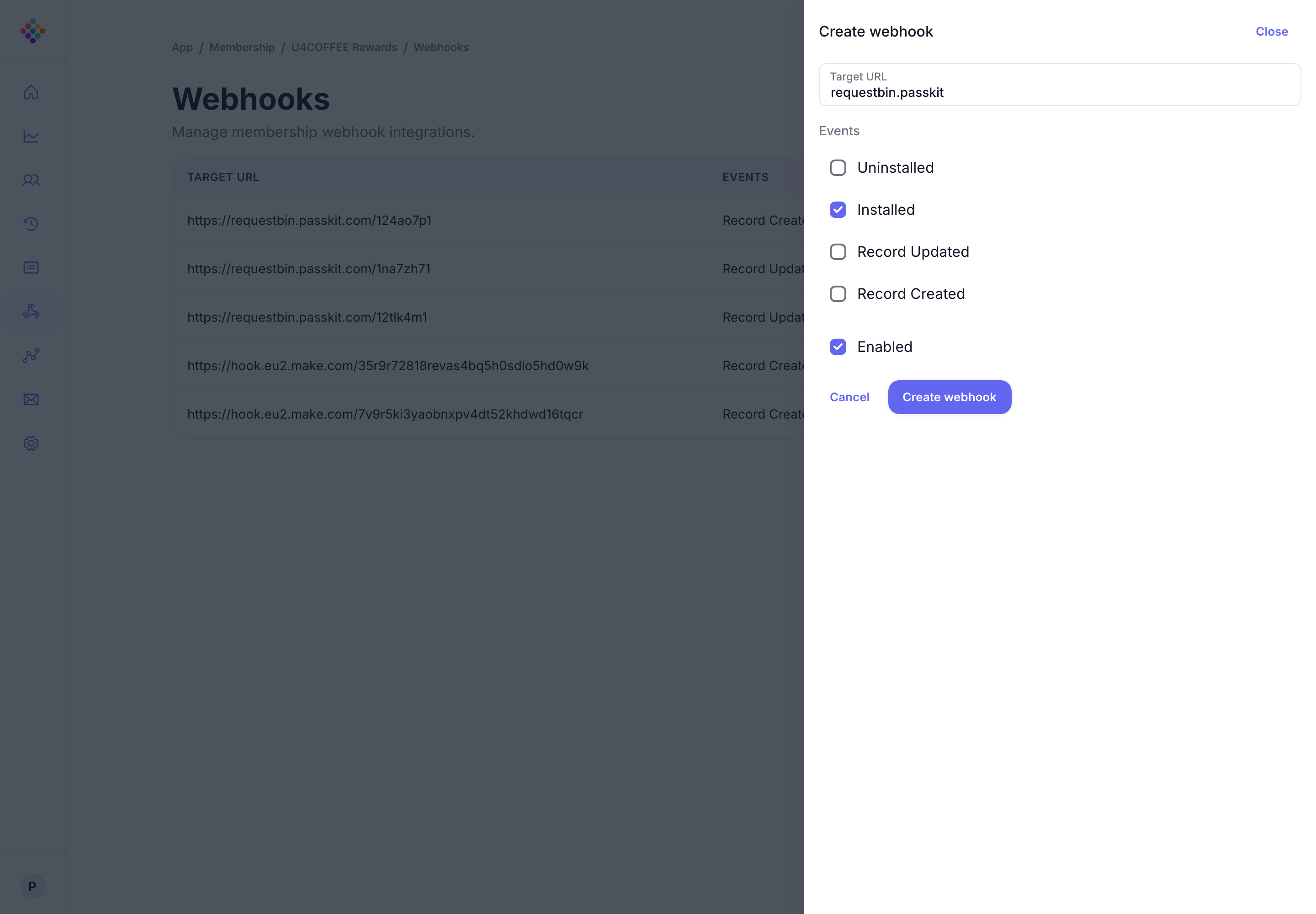
webhook creation panel showing a target URL and selectable lifecycle events
Choose by workflow

There are two distinct integration questions.

Do you need to connect an existing supported tool, or does your application need to own the request and event flow? Answer that before you choose an implementation route.

Connector or automation

Use a pre-built route when it fits.

Best for teams validating a supported connected workflow without creating a custom service first.

  • Identify the operational workflow and the system that owns its data
  • Check the Integrations Directory for a supported connector
  • Use the connector or automation route if it meets the requirement
Custom integration

Own the API and event flow.

Best when your application, CRM, POS, commerce or ticketing service needs custom control over the integration.

  • Prove the core PassKit flow with a QuickStart or Postman
  • Use the API Reference for the request contract
  • Add webhooks when another service must react to supported events
Keep the scope clear

Connect data and operations without losing the customer outcome.

Start from the business workflow and source of truth. Then decide whether the integration needs direct API calls, event handling, a supported connector or a combination of those routes.

Customer data

CRM and programme systems.

Identify which system owns customer and programme data before implementation begins.

Integration context
Direct control

API and SDKs.

Use the documented interface when your service owns custom behaviour.

Explore SDKs
Operations

Architecture.

Escalate when reliability, ownership and rollout need a deliberate design.

Production architecture
Choose your next action

New to PassKit or ready to build?

Create an account, then request credentials in Developer Tools. If you already have account credentials, continue with a QuickStart or the official Postman collection.