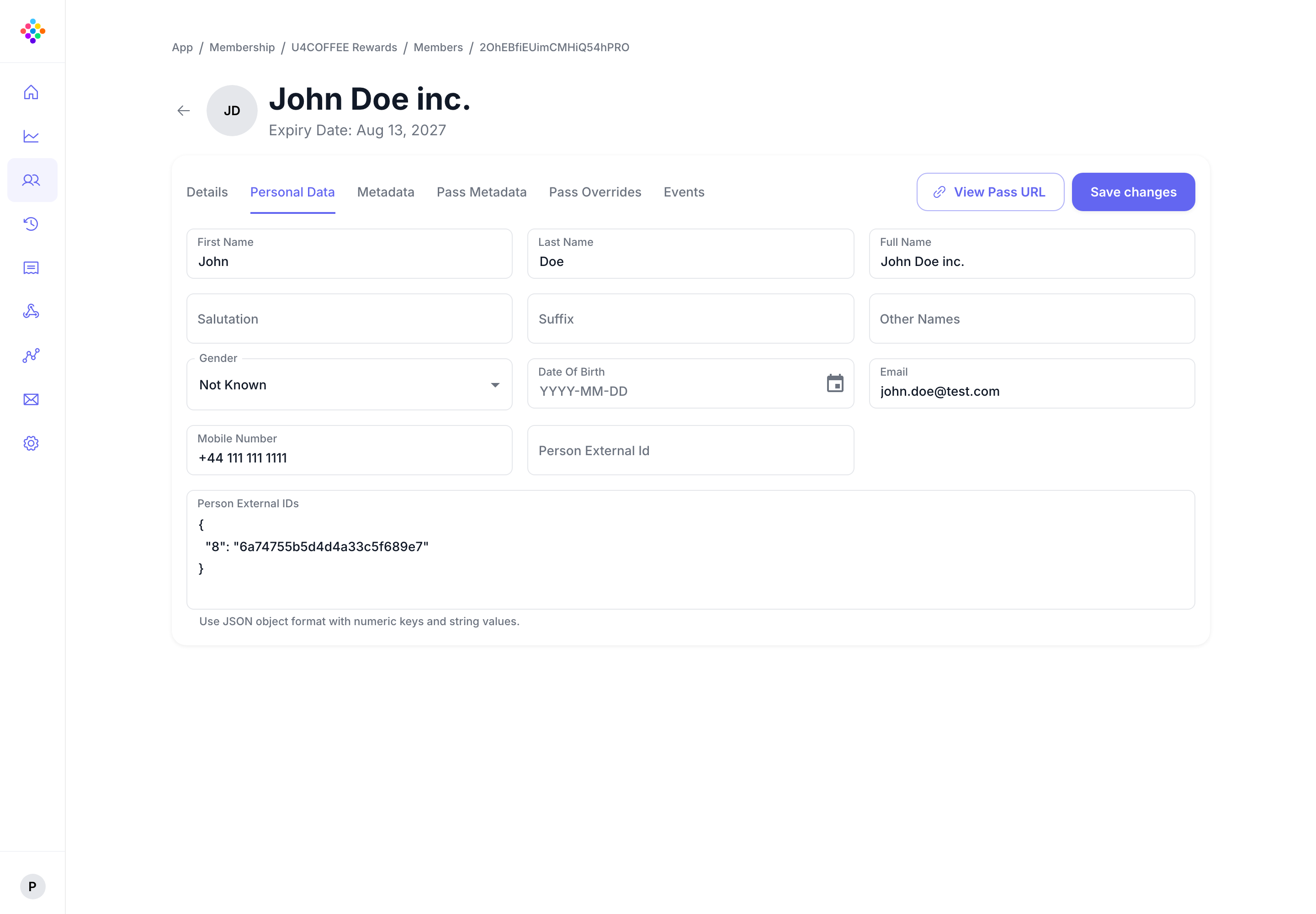
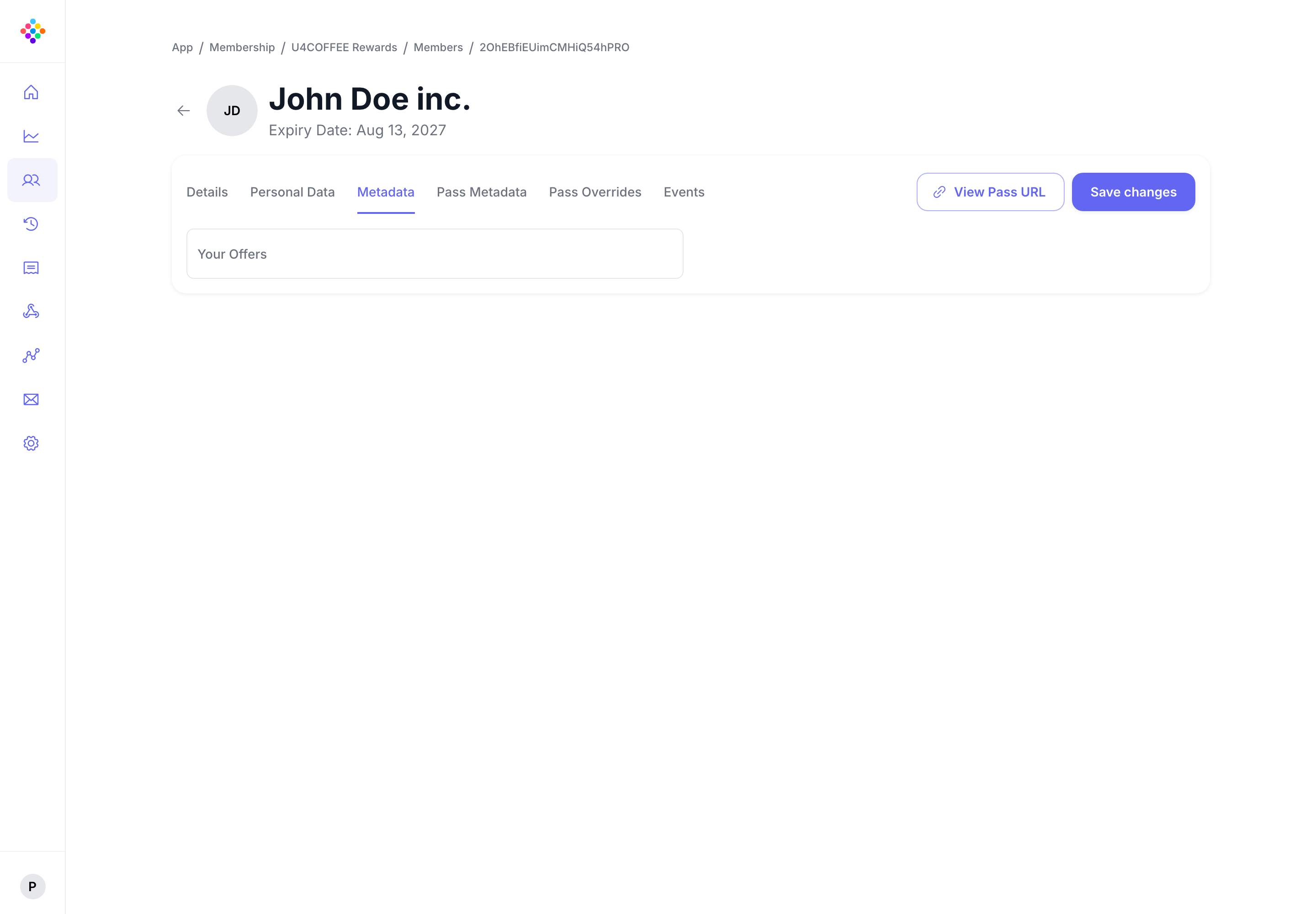
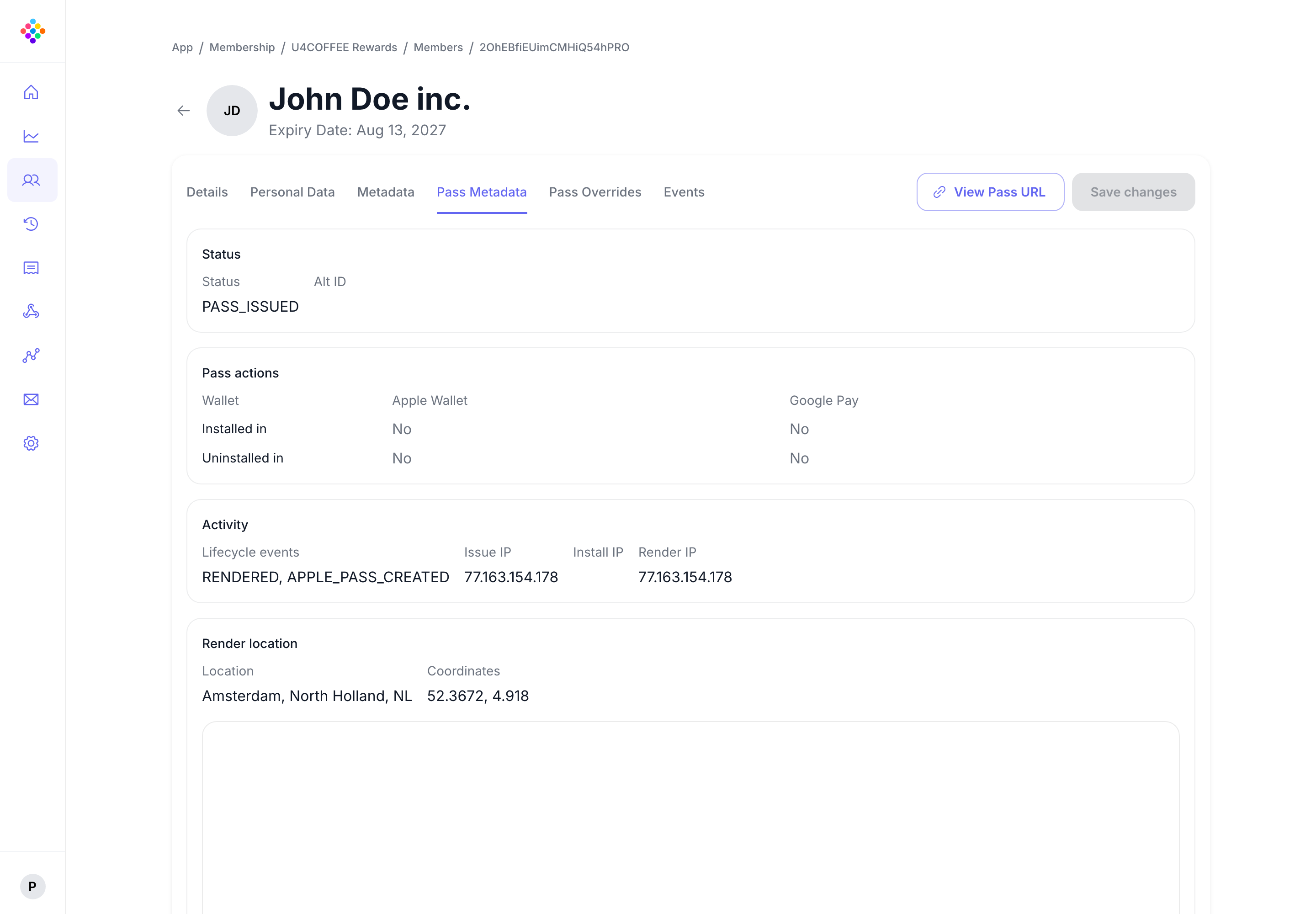
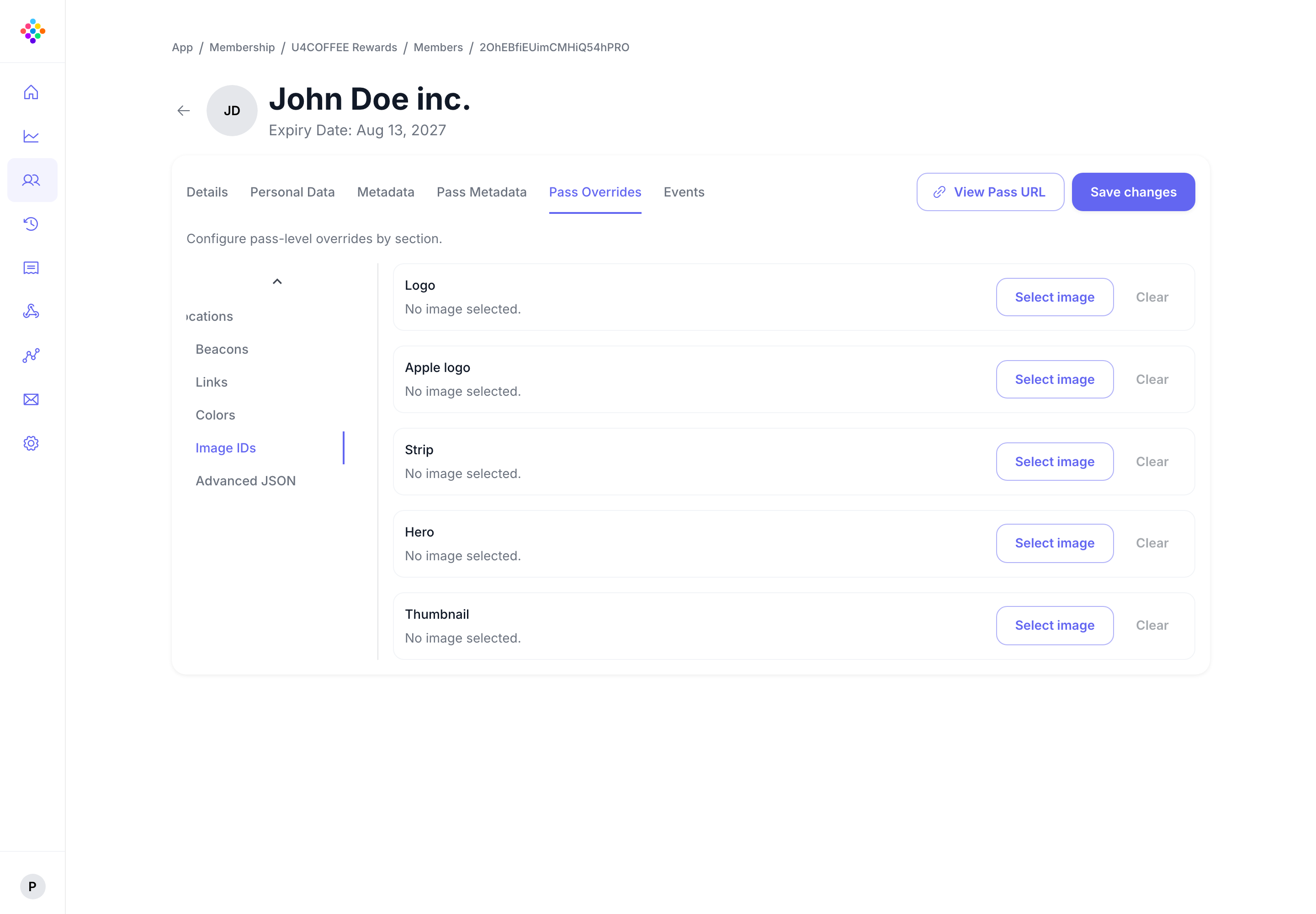
Live pass data
Reflect changing customer or programme information across active passes without requiring a replacement pass.

Manage Apple Wallet and Google Wallet passes after issuance through lifecycle updates and ongoing changes that keep the same pass accurate and useful over time.

Balances, membership tiers, offers, event details, account status, and stored value all change over time. Ongoing pass management keeps the same wallet pass relevant.
Reflect changing customer or programme information across active passes without requiring a replacement pass.
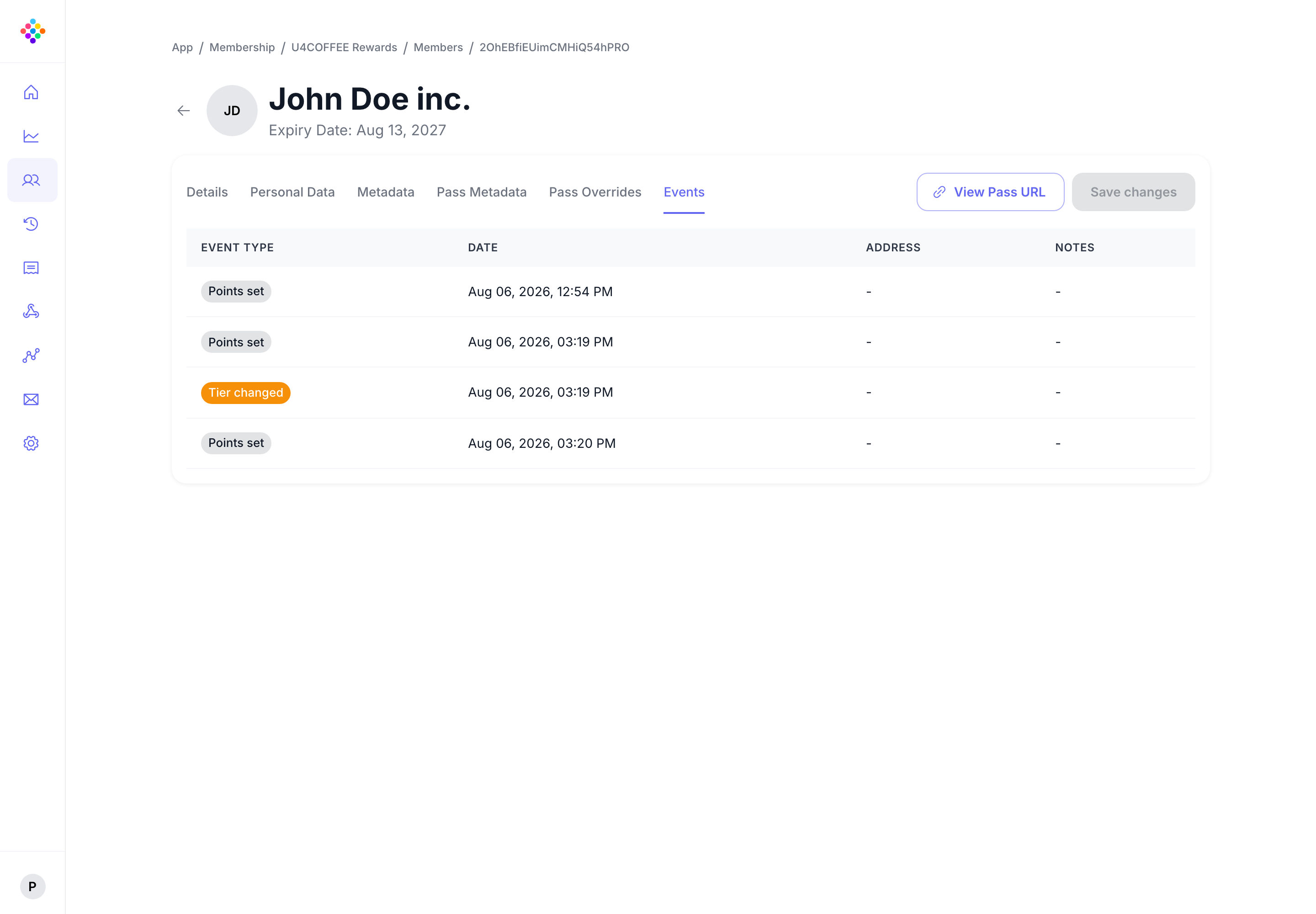
Show current points, tier status, eligibility, benefits, and other data that needs to stay accurate over time.
Keep control over how a pass behaves through change, renewal, and expiry rather than treating it as a static asset.
Updated passes are easier to trust and more useful for repeat customer interactions.
When passes continue to reflect current information, businesses can create a more reliable wallet experience and customers can keep using the same pass with more confidence.
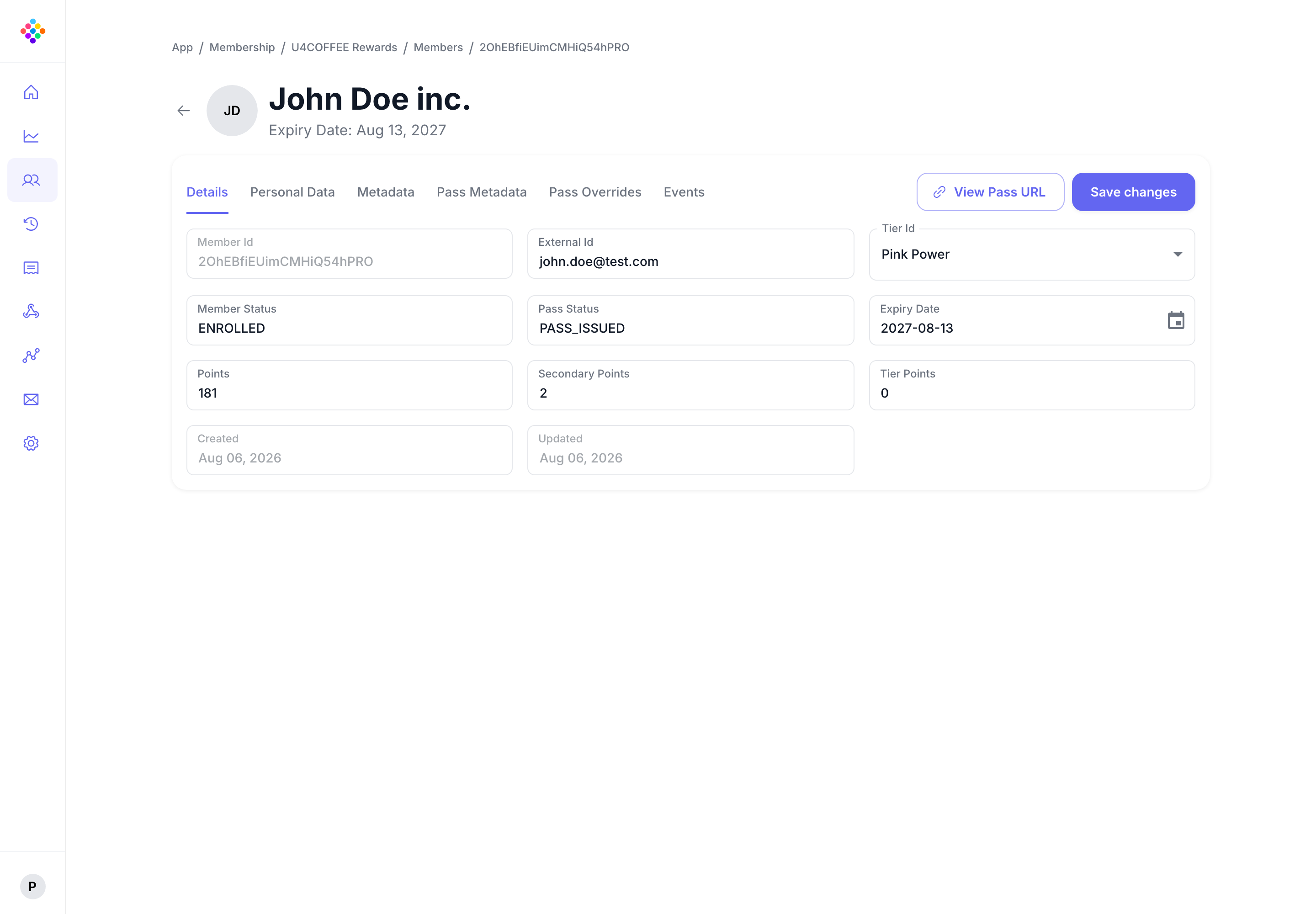
Once a pass is live, balances, status, eligibility, schedules, and messages can all change. The pass has to keep up.
Reflect programme or customer changes across active wallet passes rather than letting outdated information linger.
Create targeted messages for pass holders and schedule when they should appear.
MessagingAdd relevant locations and a short message so, where supported, a wallet can surface the pass at a useful moment.
Location relevanceSupport balances, status, eligibility, benefits, and other values that change according to customer activity or program rules.
Use lifecycle analytics to understand recorded installation, update and operational events.
The questions teams ask when pass information needs to stay accurate after launch.
Yes. That is the core purpose of this capability. PassKit supports updating pass content after the initial save so the same pass can stay relevant over time.
Common examples include loyalty balances, offer expiry dates, membership tiers, event details, stored value, and other customer or program information that needs to remain accurate.
No. They also matter for memberships, offers, ticketing, boarding passes, stored value, and any journey where the pass needs to reflect changing business conditions.
Basic creation gets the pass into the wallet once. Lifecycle management is about keeping it current, trustworthy, and useful after distribution.