Coverage access
Give customers a simple place to find the details you choose to place on their card.

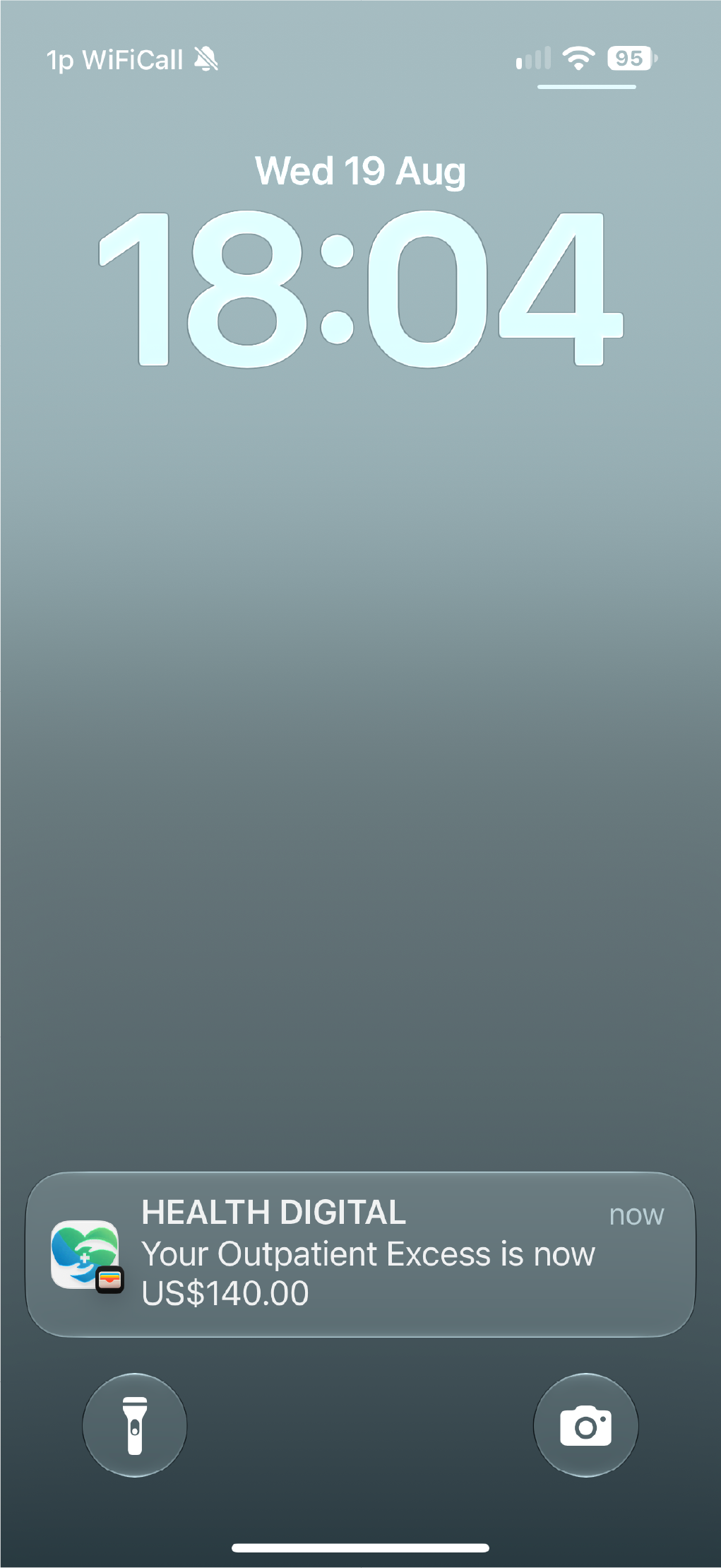
Use digital insurance cards to give customers a convenient wallet pass for policy, coverage, membership, or service information. Keep the pass accessible and update it as the customer journey changes.

A wallet pass gives insurance teams a practical way to distribute policy-related information and keep key details visible across Apple Wallet and Google Wallet.
Give customers a simple place to find the details you choose to place on their card.
Use a pass alongside enrolment, service, renewal, and customer-support journeys.
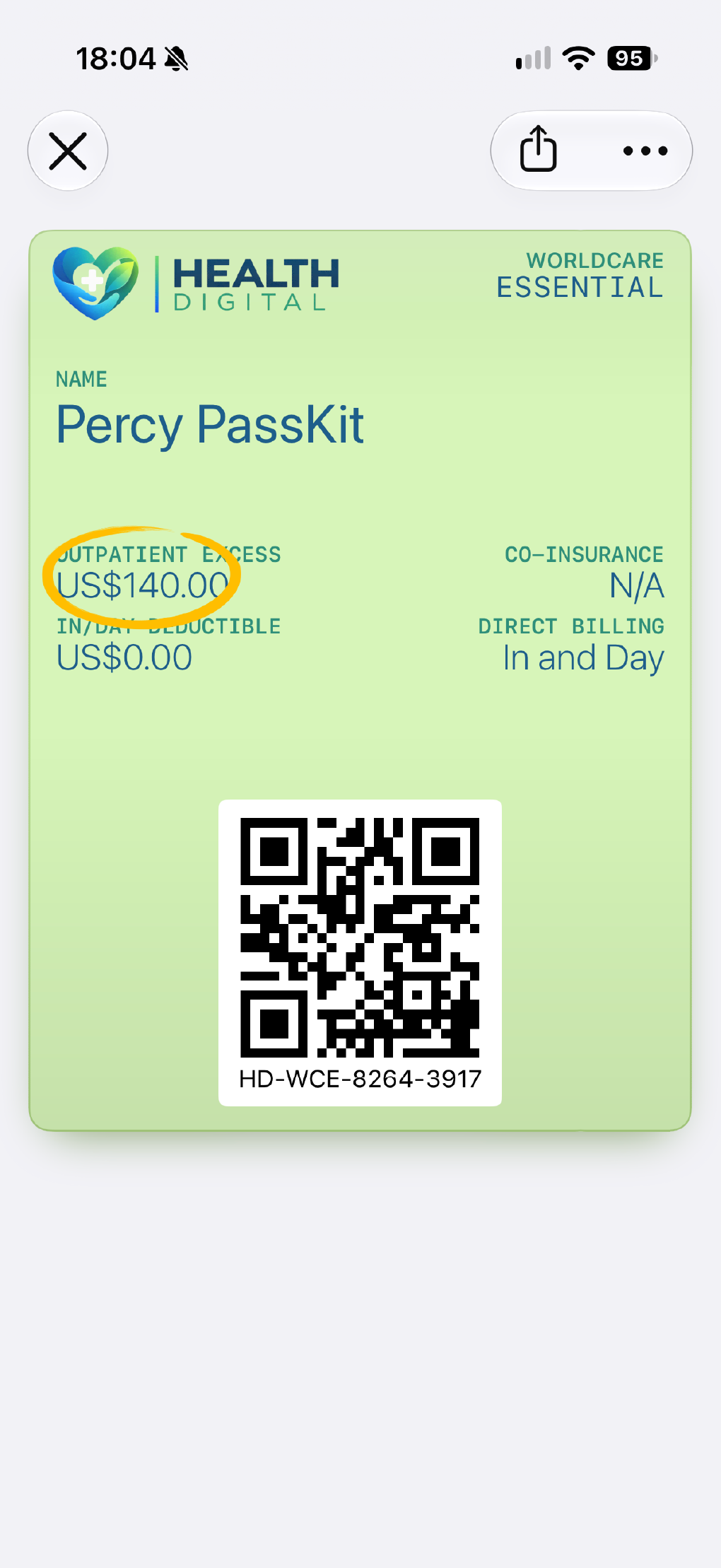
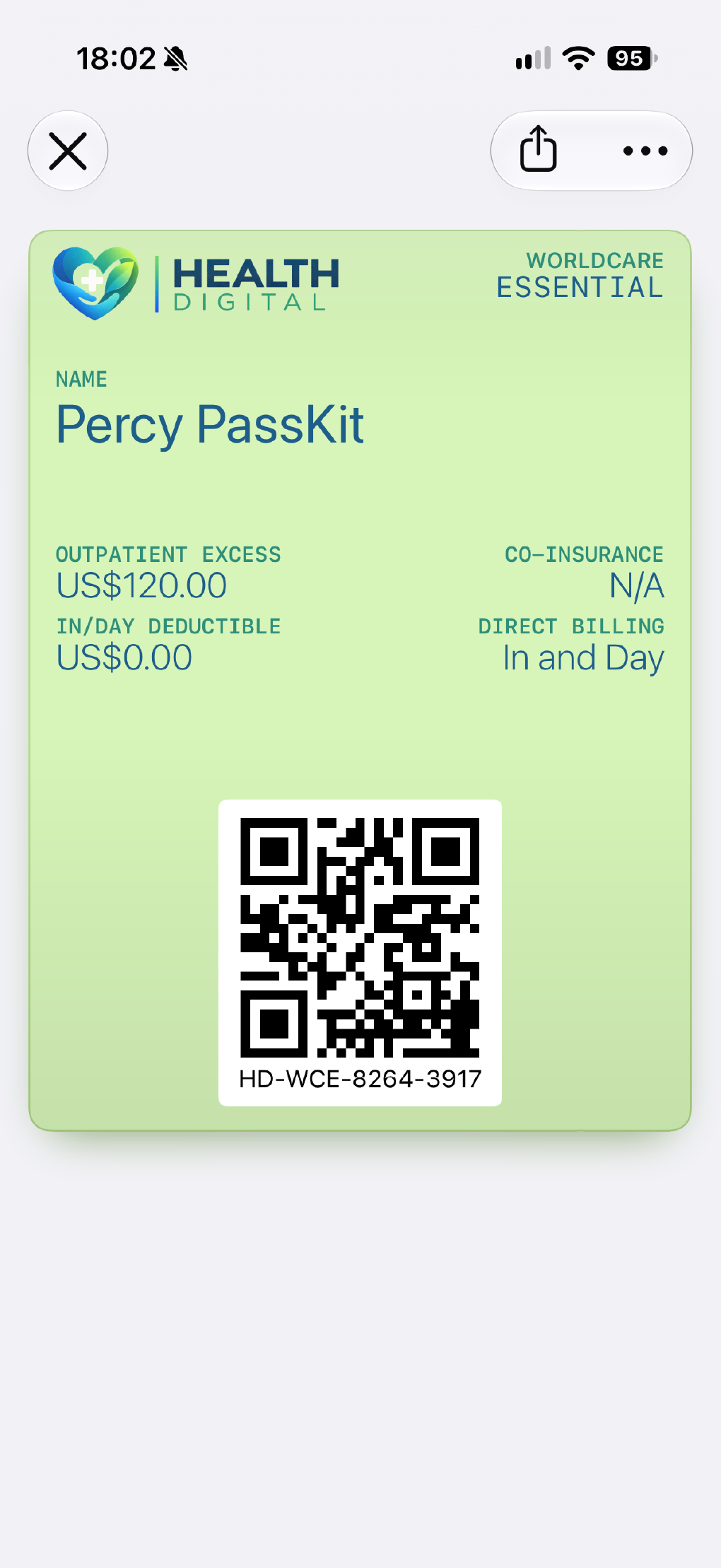
Keep approved fields, links, and service information up to date after the card has been saved.
Choose a delivery route that fits your existing website, communication, or account workflow.
The wallet card is most effective when it makes a real customer task easier, such as finding approved policy information, reaching a service journey, or keeping a current card close at hand. Product, legal, and market-specific requirements remain the responsibility of each insurer.
Distribution, updates, enrolment, and security review shape a successful insurance-card programme.
Manage pass content after issue as the customer journey changes.
Pass updatesUse an included enrolment page when the programme needs a hosted sign-up journey.
Enrollment pagesExplore the wallet journeys financial-services teams commonly evaluate.
Financial servicesBring trust, legal, and procurement questions into the evaluation early.
SecurityPractical answers for insurance and customer-service teams evaluating the format.
Teams can choose the approved information, links, and customer details that make sense for their programme and customer journey.
Yes. PassKit supports ongoing pass management so teams can keep approved content current as their programme requires.
No. The insurer remains responsible for policy terms, coverage, legal requirements, and how the card is used in each market.