PassKit account
Create or sign in to the account that will own the integration.

QuickStart-specific setup belongs in each repository and the Help Centre. These are the prerequisites you should confirm before opening one.
Create or sign in to the account that will own the integration.
Request account credentials in the PassKit Portal and receive them securely at your registered email address.
Configure the account-specific setting shown in Developer Tools.
Follow the repository README for the language and local build requirements.
The official repository instructions are the source of truth for each language. Start with the language your service already uses, then adapt the working flow.
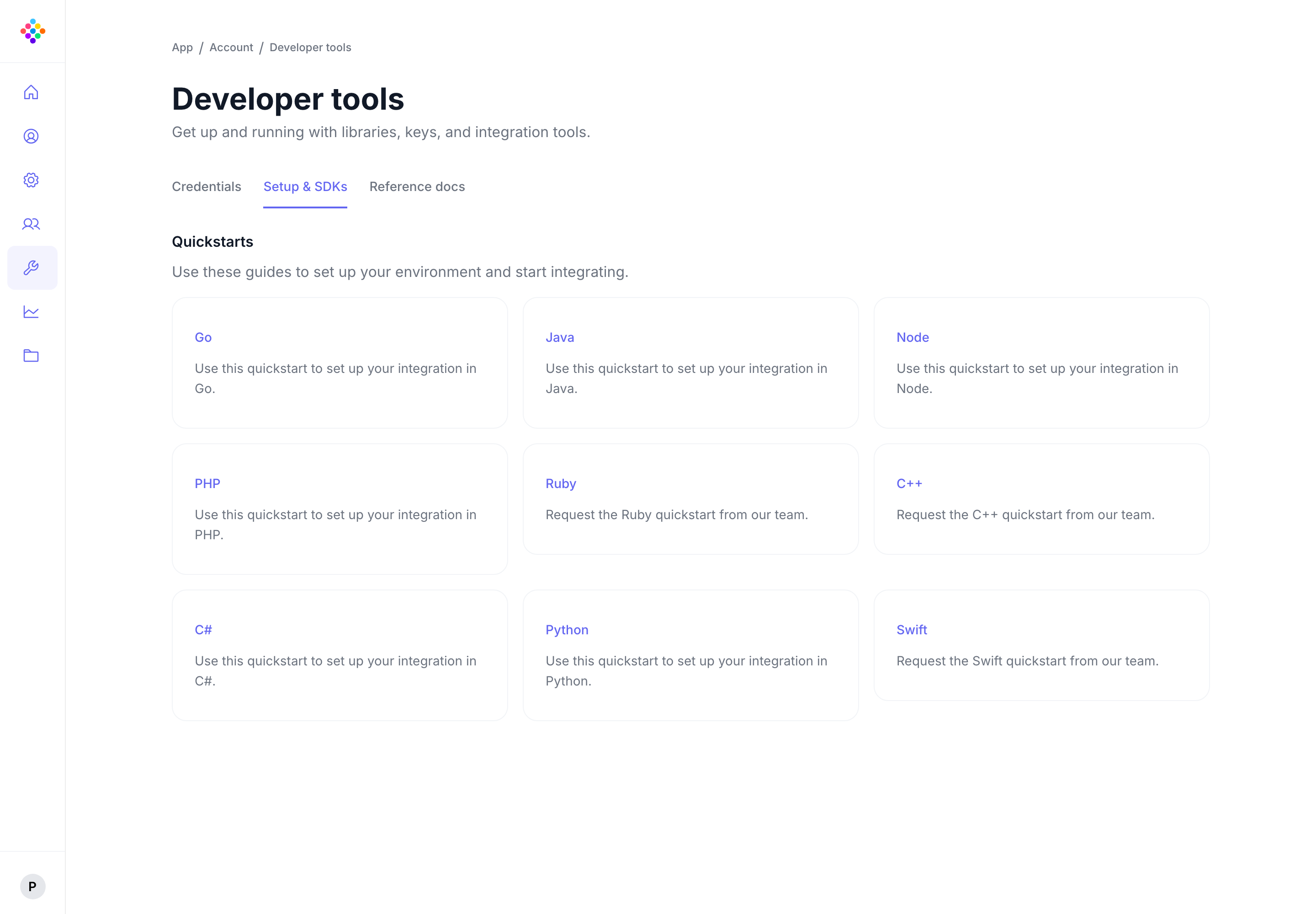
A runnable Go reference for core wallet programme flows.
Open Go QuickStartA runnable .NET reference for a PassKit SDK integration.
Open C# QuickStartA runnable Java reference with repository-specific configuration instructions.
Open Java QuickStartA runnable Node reference for supported wallet programme flows.
Open Node QuickStartA first success is a QuickStart run that authenticates with your account, completes its documented flow and returns a resource or wallet result you can inspect. Then use the API Reference for the specific method you want to adapt.