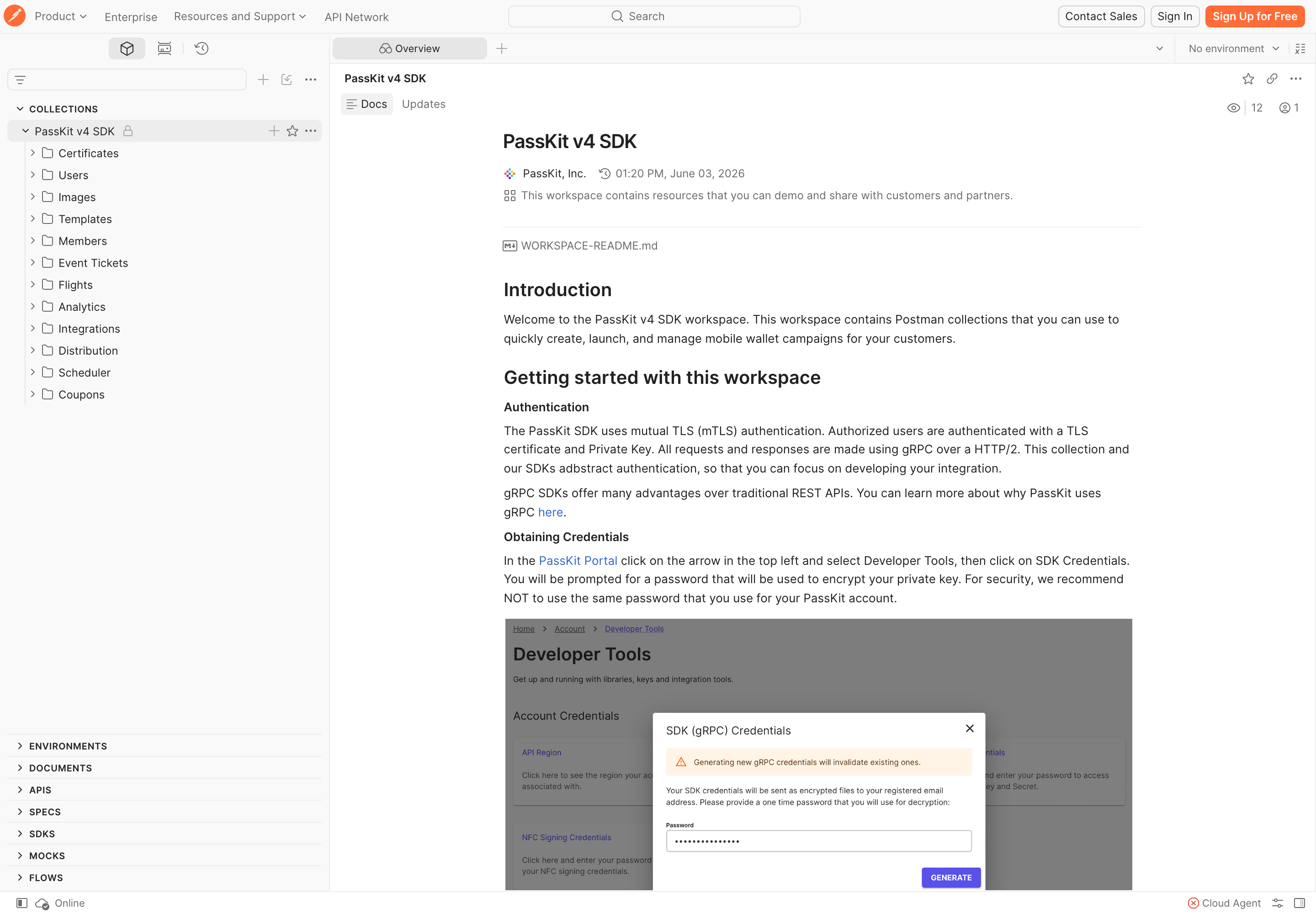
1. Account
Create or sign in to the account that owns the implementation.

You need a PassKit account before credentials are available. In Developer Tools, request the account credentials and find the account-specific API region or host.
Create or sign in to the account that owns the implementation.
Request your developer credentials in the PassKit Portal and receive them securely at your registered email address.
Create a Postman environment with the right account API settings.
Send one documented request, inspect the response, then move the proven flow into code.
Use the API Reference for the exact endpoint and payload. Move to an SDK or gRPC if that is the better fit for your service; add webhooks only when another system needs to react to lifecycle events.
Confirm exact methods, schemas and responses.
View API ReferenceMove a proven flow into your own service.
Explore SDKsReact to lifecycle events after the core flow is working.
When to use webhooksNever commit secrets or include them in prompts.
Read setup guidance