Start with your own design
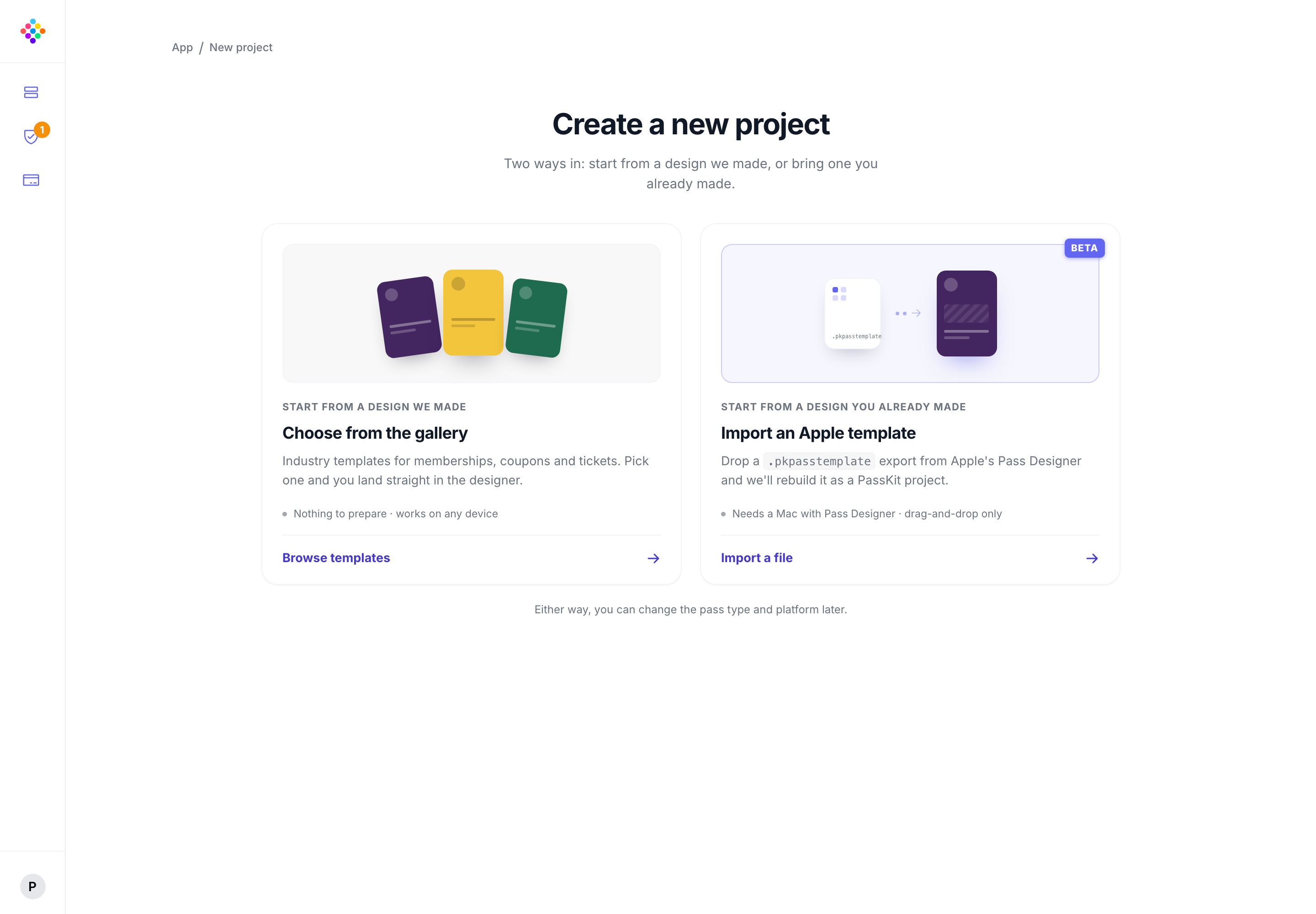
Export the .pkpasstemplate you made in Apple Pass Designer and import it into a PassKit project.

Design in Apple Pass Designer, then import the .pkpasstemplate file into PassKit, or start with a ready-made Poster Generic template. Then issue, update, and manage the passes from one place.
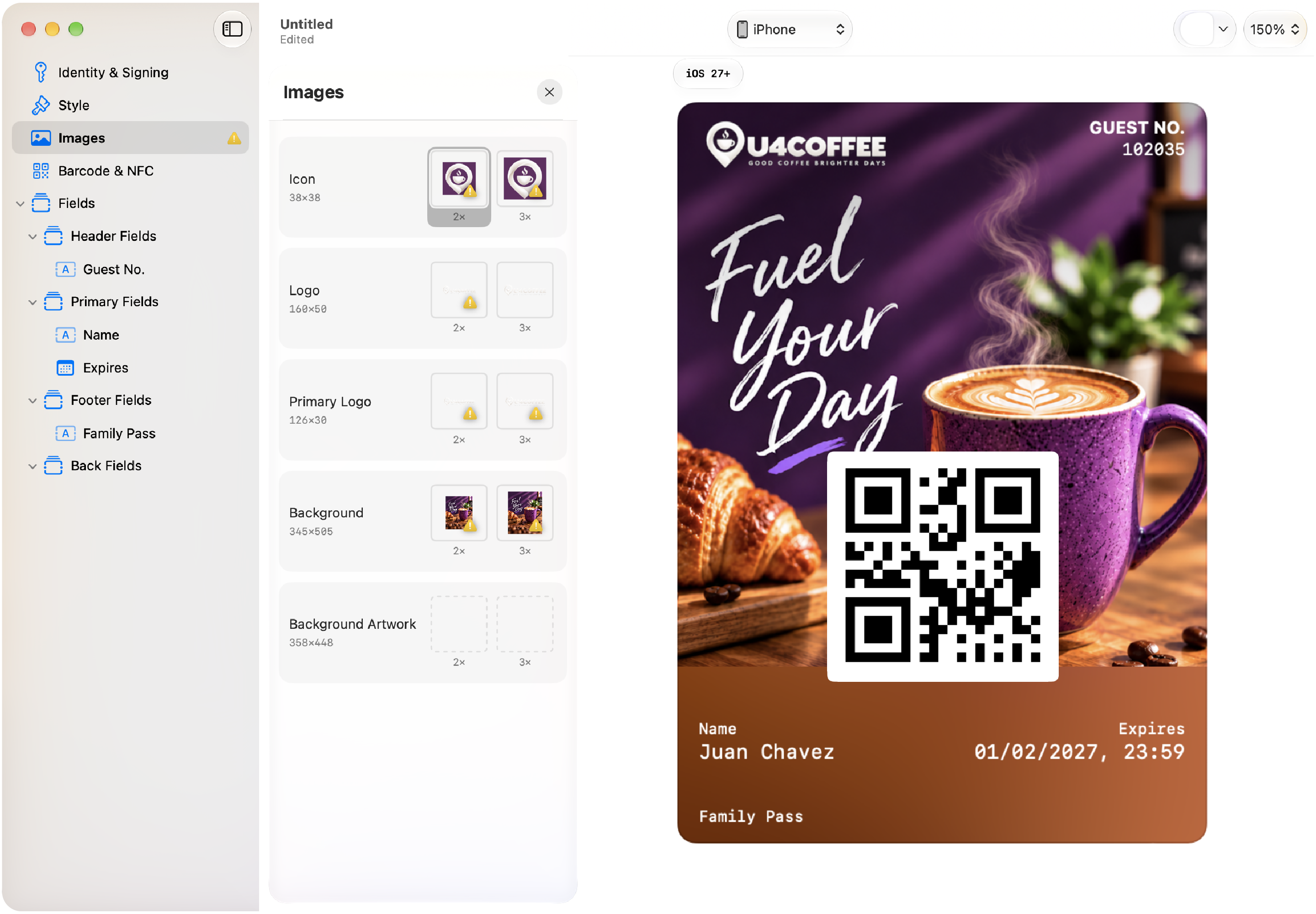
Poster Generic is Apple’s artwork-forward pass style for suitable membership, loyalty, rewards, gift card, coupon, and other general-purpose passes. It gives the pass a prominent image while keeping key information and a scannable code in view.
Export the .pkpasstemplate you made in Apple Pass Designer and import it into a PassKit project.
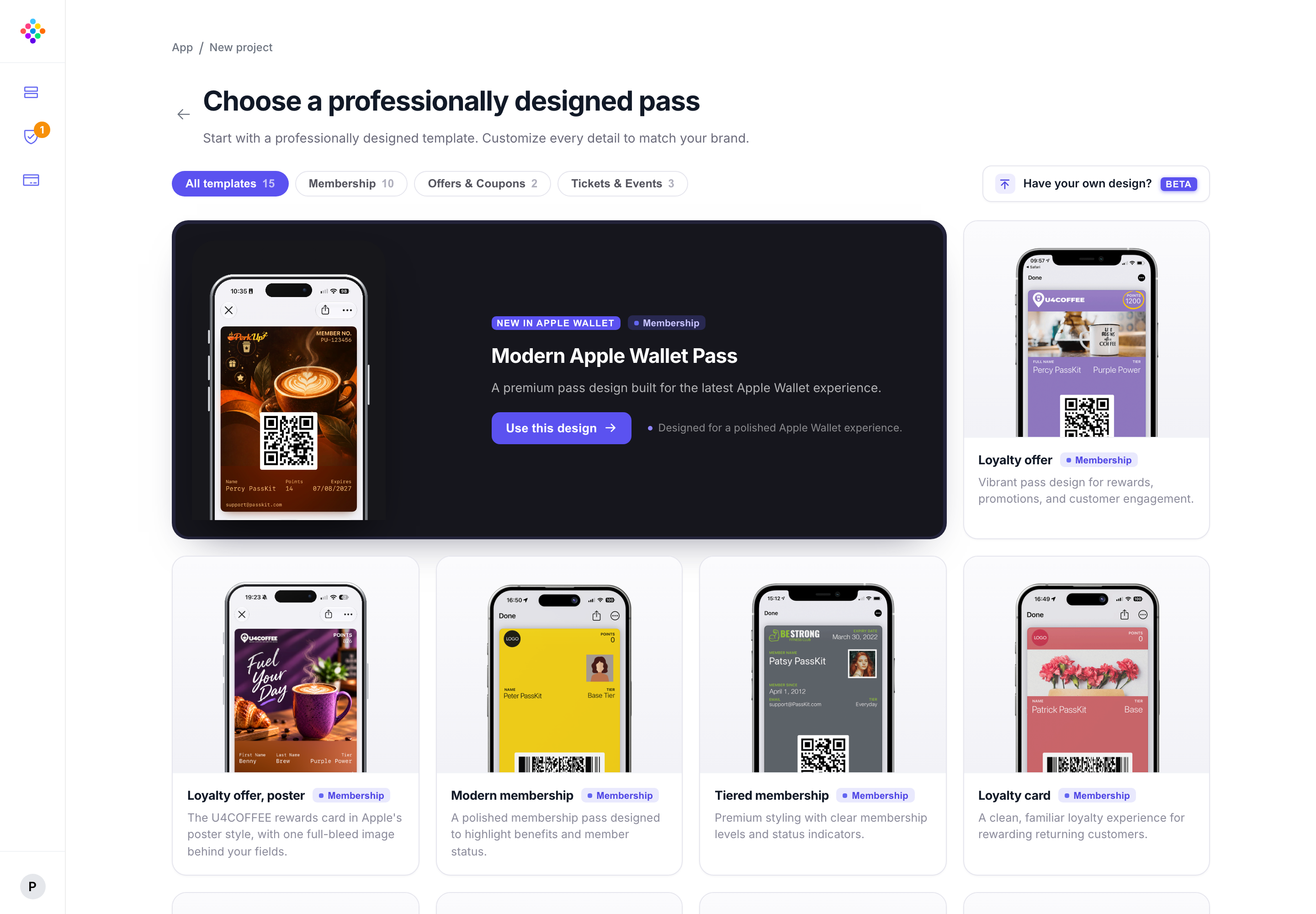
Choose a ready-made pass design, then adapt the branding, fields, and content for your programme.
Connect pass data, issue passes, and keep the customer experience current as your programme changes.
Poster Generic is for iOS 27 and later, so include a suitable legacy pass style for customers on earlier versions.
Apple Pass Designer is a useful way to create a starting design. PassKit helps you take that template into an operating programme with delivery, updates, and connected data when you need them.
Importing the template is the starting point. Use PassKit to deliver the pass, connect programme data, and keep it useful after launch.
Give customers a straightforward route to add the pass to their wallet.
Explore pass distributionBring the customer and programme data that keeps each pass useful.
Explore integrationsUpdate pass content and information as your programme changes.
Explore pass updatesUse a clear focal image, reserve space for fields and the barcode, and keep essential content out of areas that may be cropped or covered by Wallet. Test the design with the real pass information your customers will see.
Use a strong central subject and avoid placing essential wording inside the artwork.
Apple Wallet design guidancePlan the Poster Generic design for iOS 27 and a compatible legacy pass style for earlier devices.
Read Apple’s compatibility guidanceCompare ready-made membership, loyalty, coupon, gift-card, ticket, and other pass templates.
Browse templatesShort answers for teams choosing a pass design and the platform that will run it.
Poster Generic is Apple’s artwork-forward pass style for iOS 27 and later. It is suited to general-purpose passes such as memberships, loyalty cards, rewards, coupons, and gift cards when a strong visual design matters.
Yes. Export the .pkpasstemplate file from Apple Pass Designer, then import it into PassKit to create a project from that starting design.
No. Start straight away in PassKit with a blank template, or choose a ready-made template and tailor the branding, fields, and content for your programme.
No. Apple Pass Designer is Apple’s design tool. PassKit’s Pass Designer is the workspace for importing the .pkpasstemplate file and running the live pass programme.
Yes. Choose a ready-made starting point in PassKit, then tailor the branding, fields, and content for your programme.
Poster Generic requires iOS 27 or later. Include a compatible legacy pass style so customers on earlier versions can still use the pass.
The imported template becomes the starting point for a PassKit project. You can then prepare the pass data, issue passes, and manage the programme after launch.