Template
See template
details
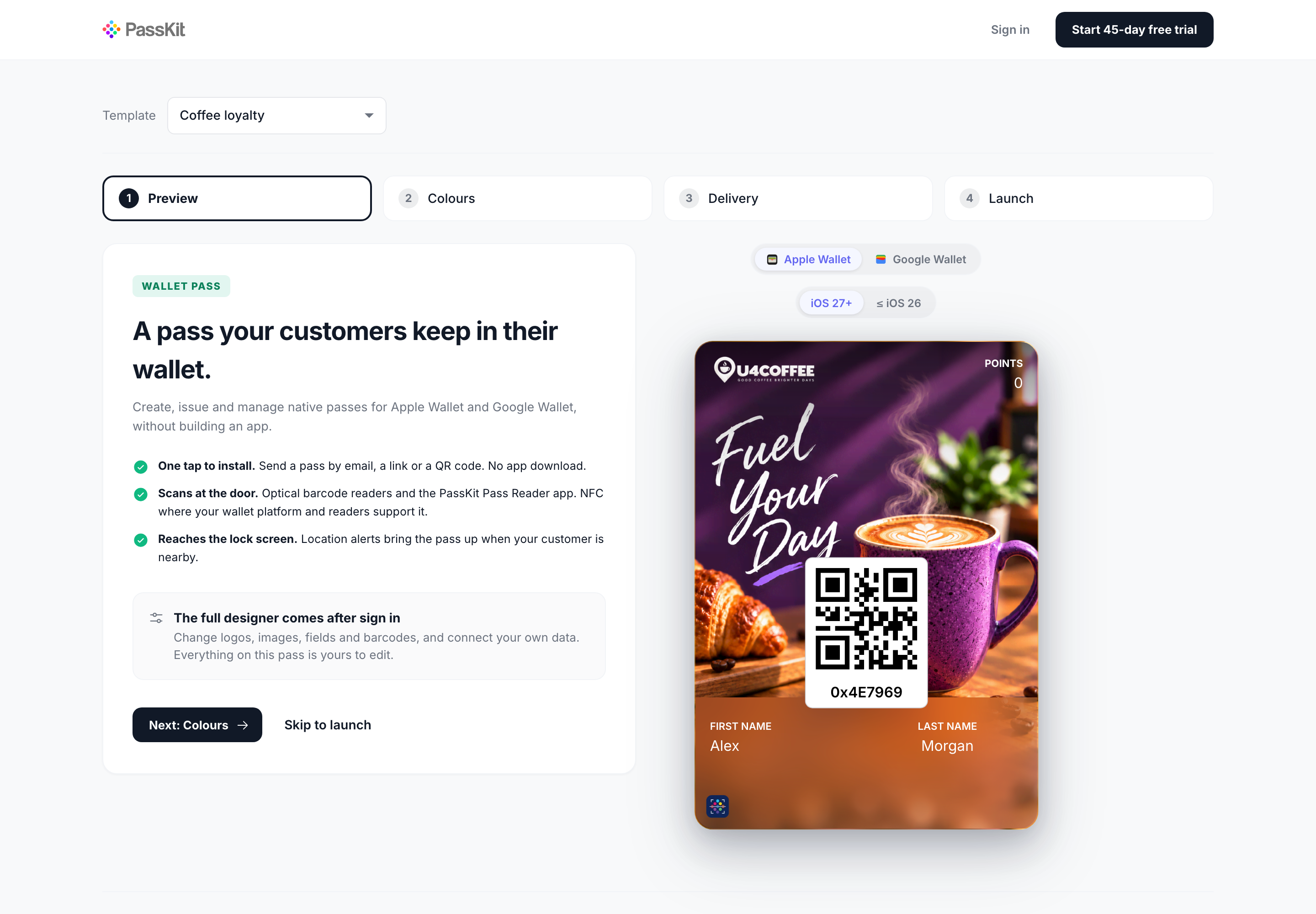
Loyalty Template
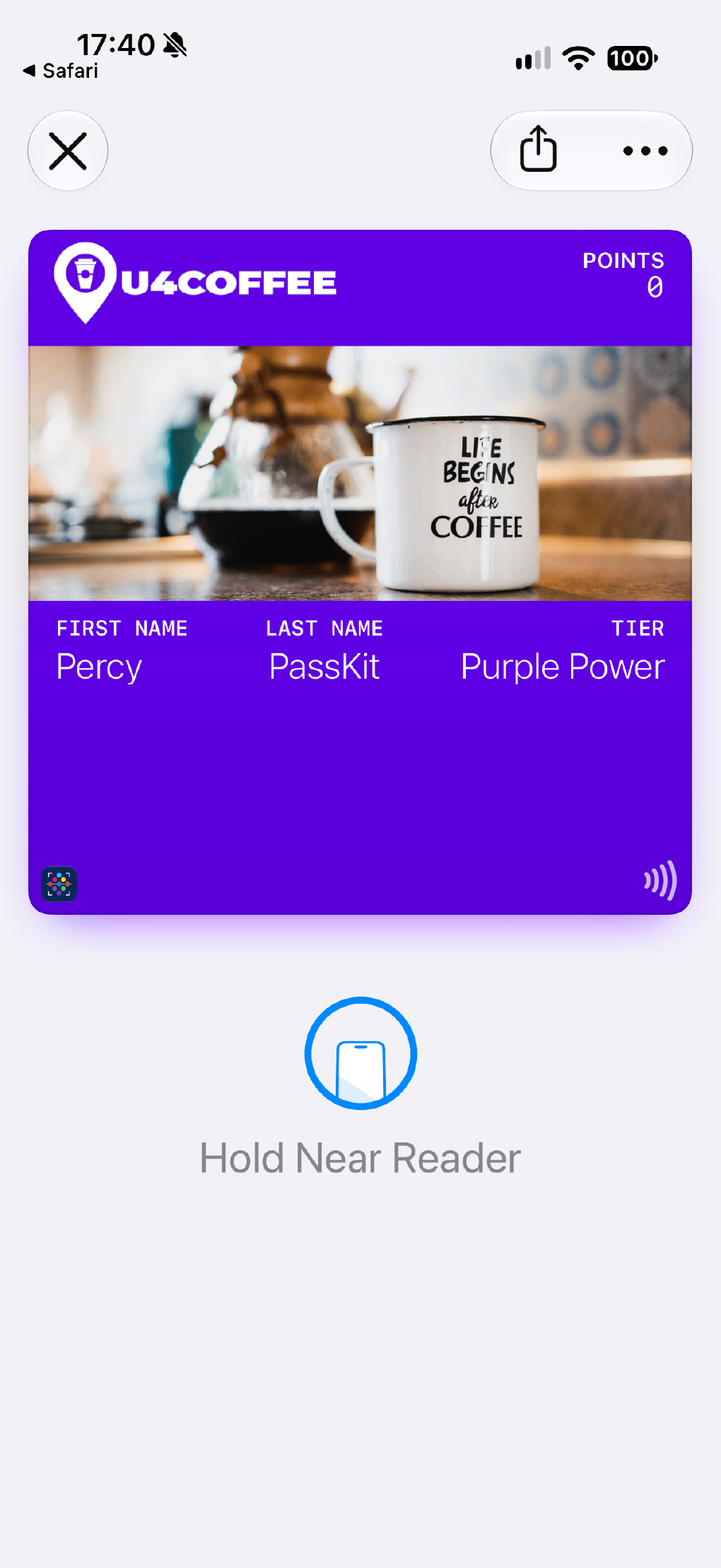
Let customers keep a loyalty card, points balance, or tier status close at hand.

Open any example in your wallet, then use the matching template to create your own version.
Let customers keep a loyalty card, points balance, or tier status close at hand.
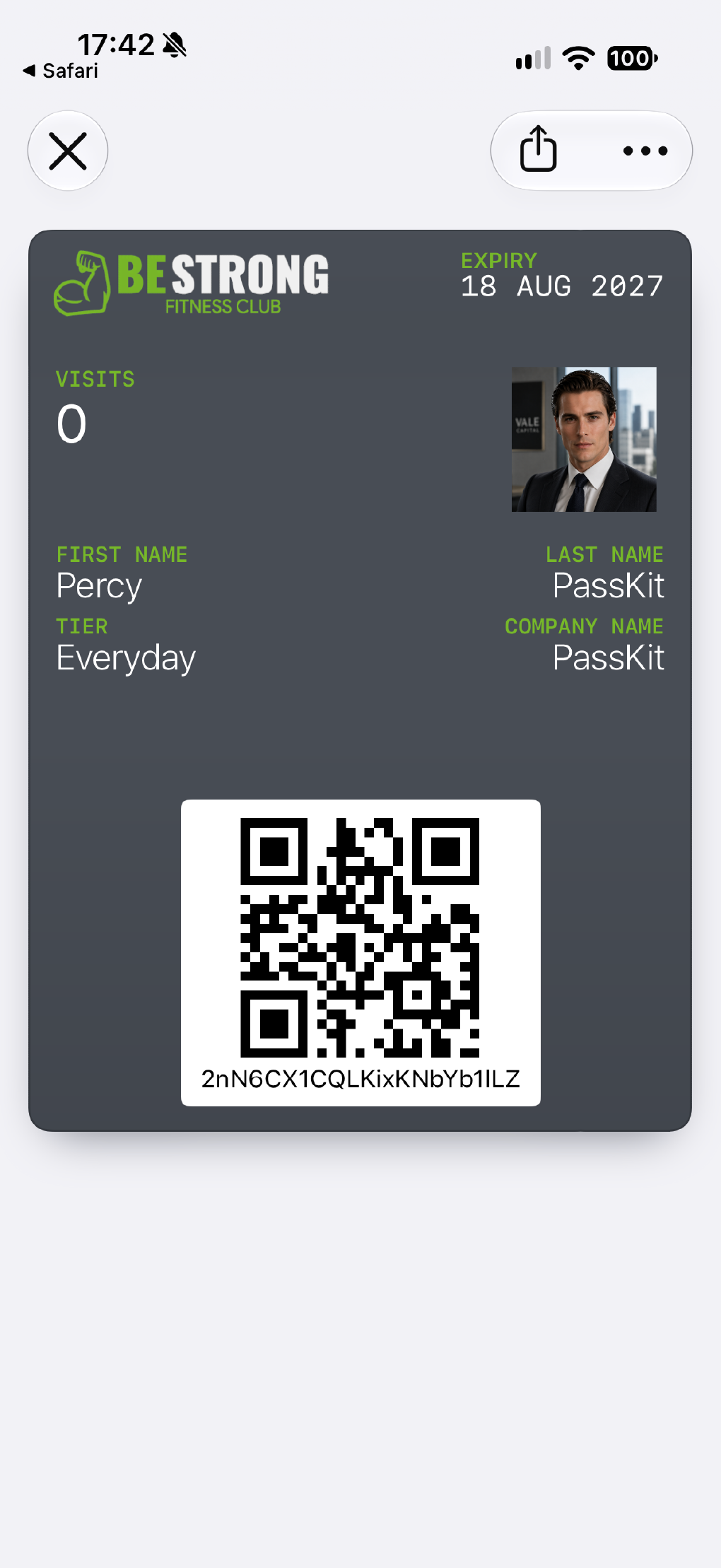
Put member identity, status, and repeat access into a pass people can keep on their phone.
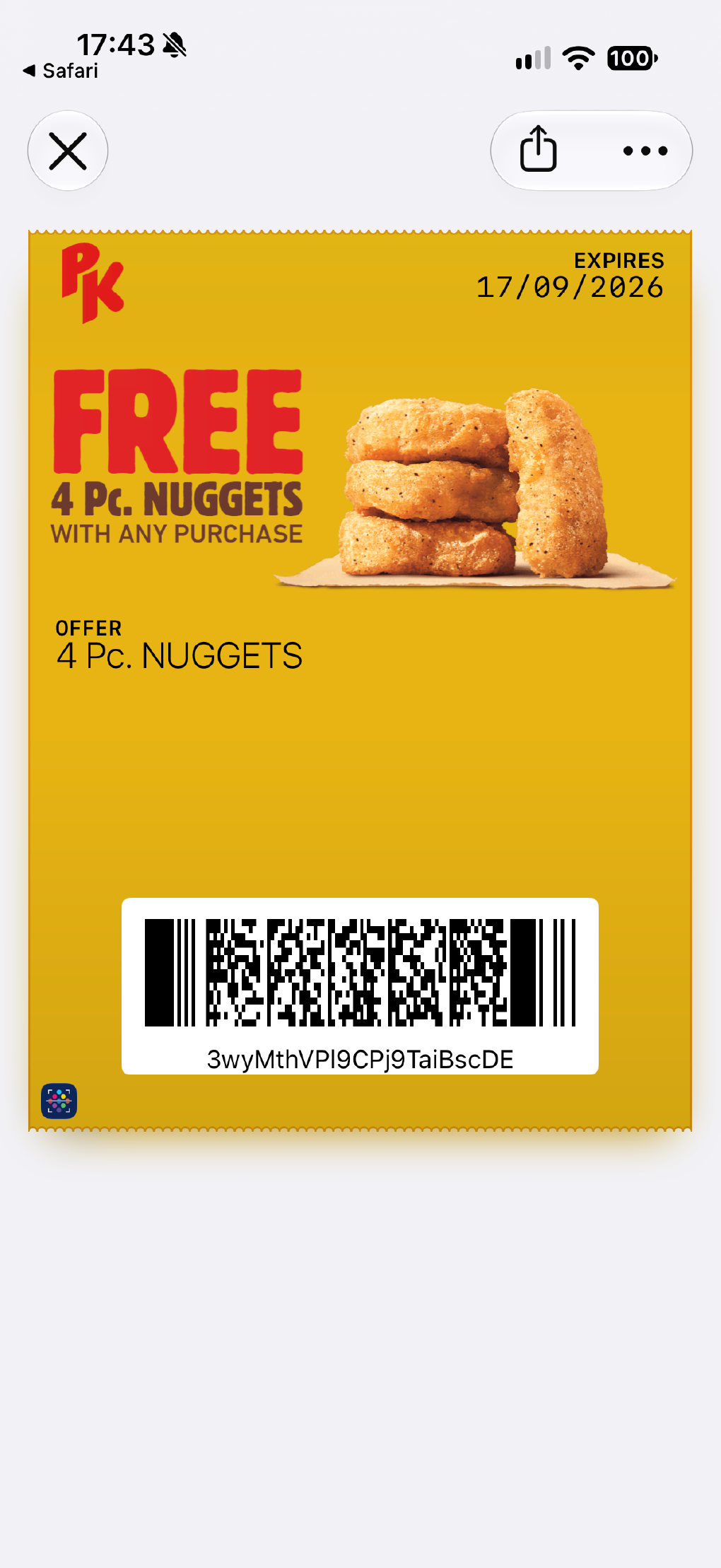
Deliver wallet-based offers that are easy to save, find again, and redeem at the right moment.
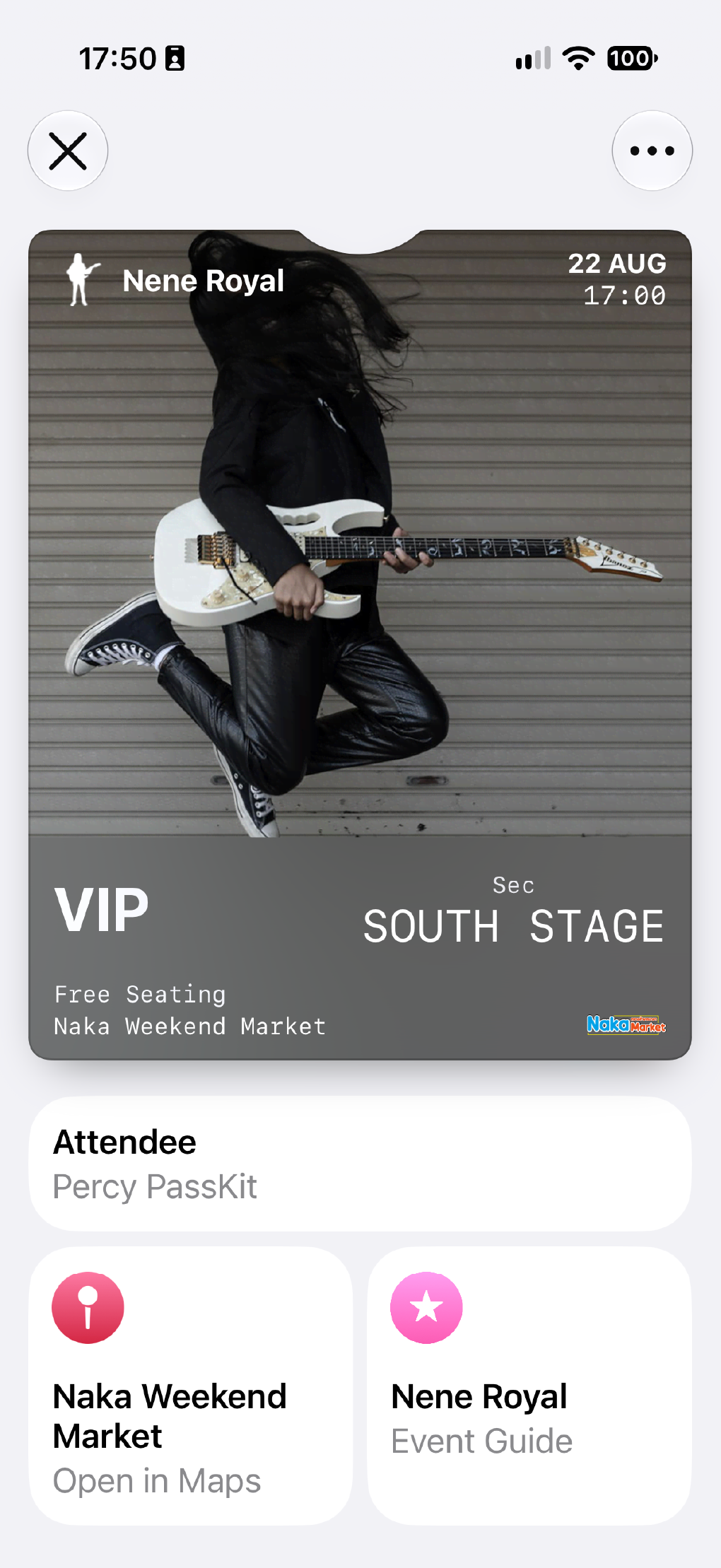
Show entry details, timing, and admission information in a ticket that stays visible before the event.
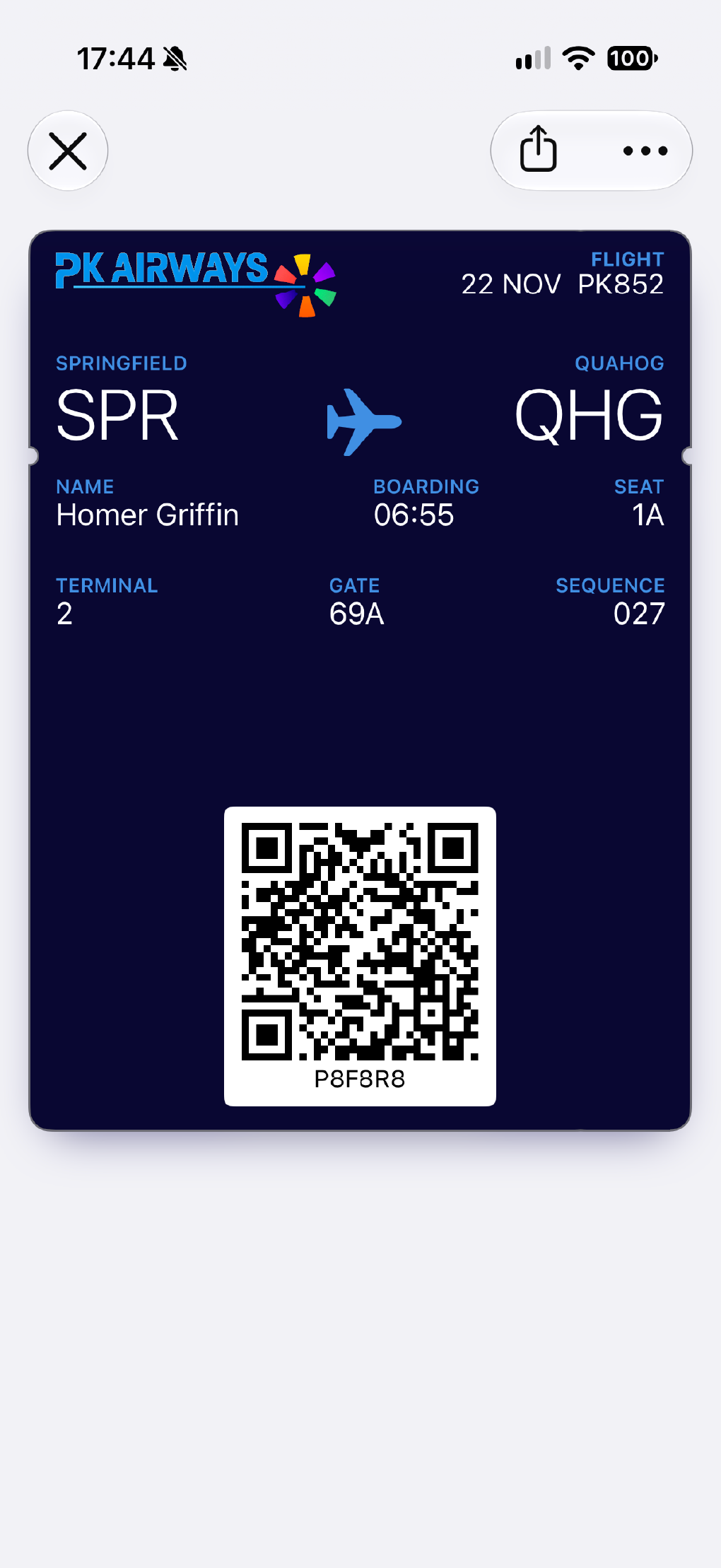
Keep journey details, boarding information, and changing travel updates easy to check on the go.
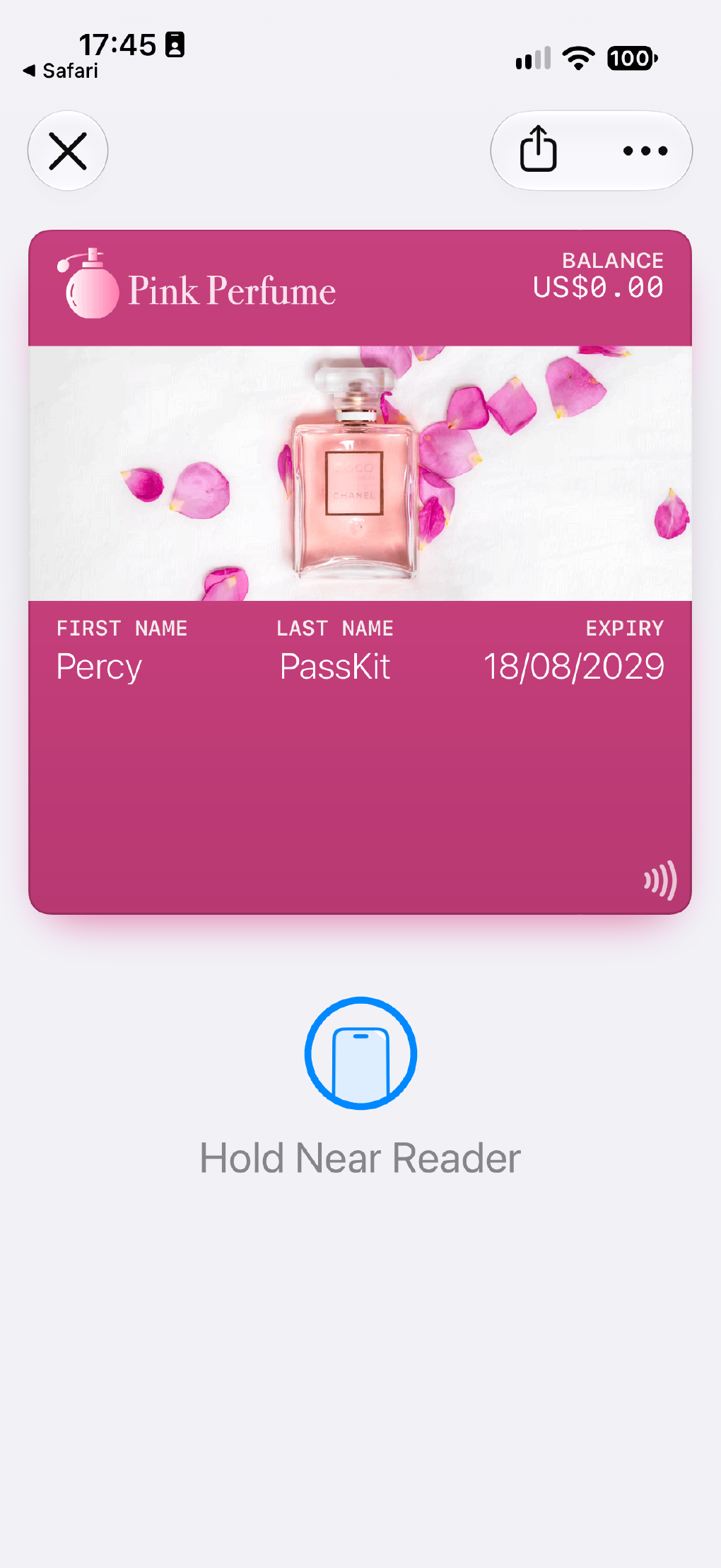
Keep stored value visible so customers can check the balance and spend it without friction.
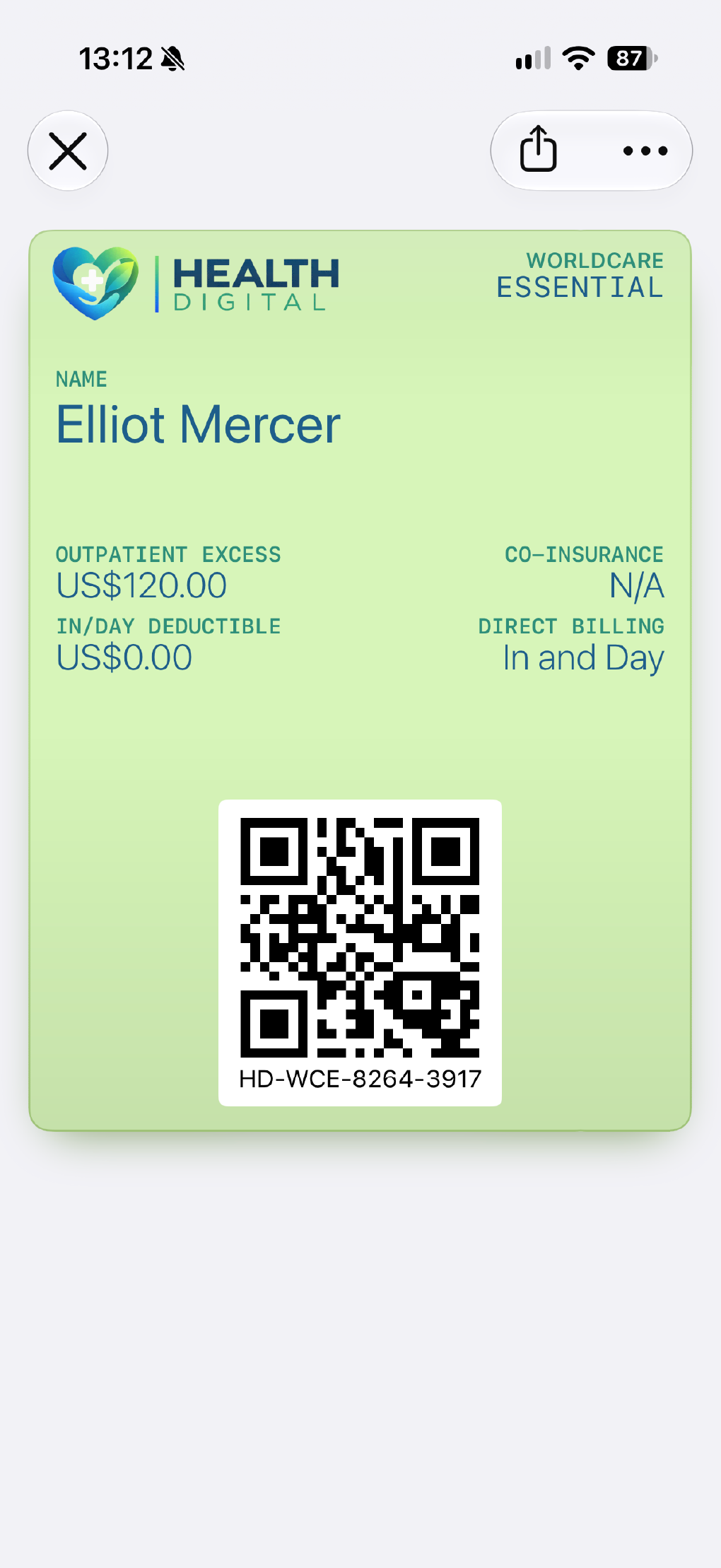
Show coverage, status, or eligibility in a pass that is easier to find than a paper card or PDF.
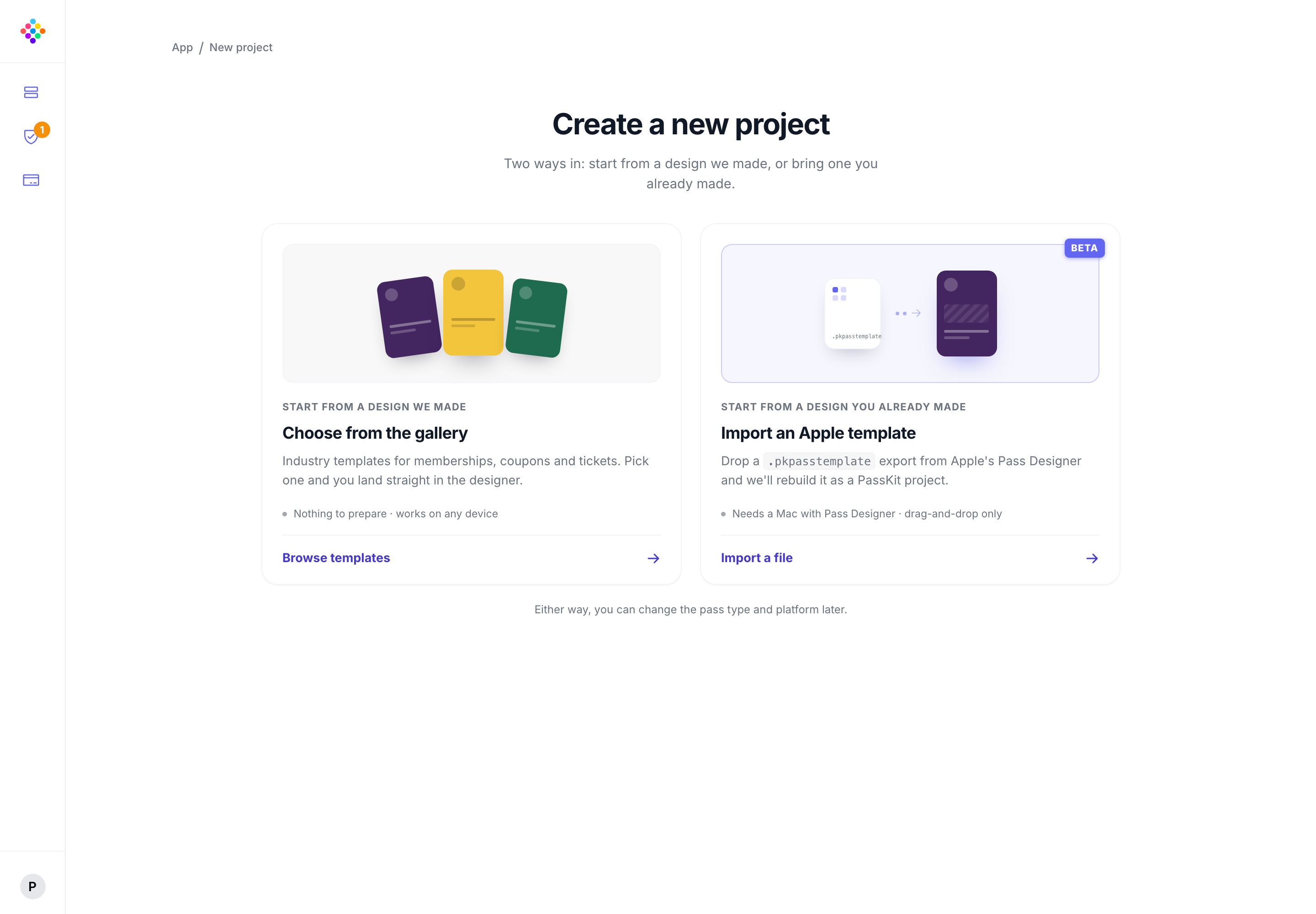
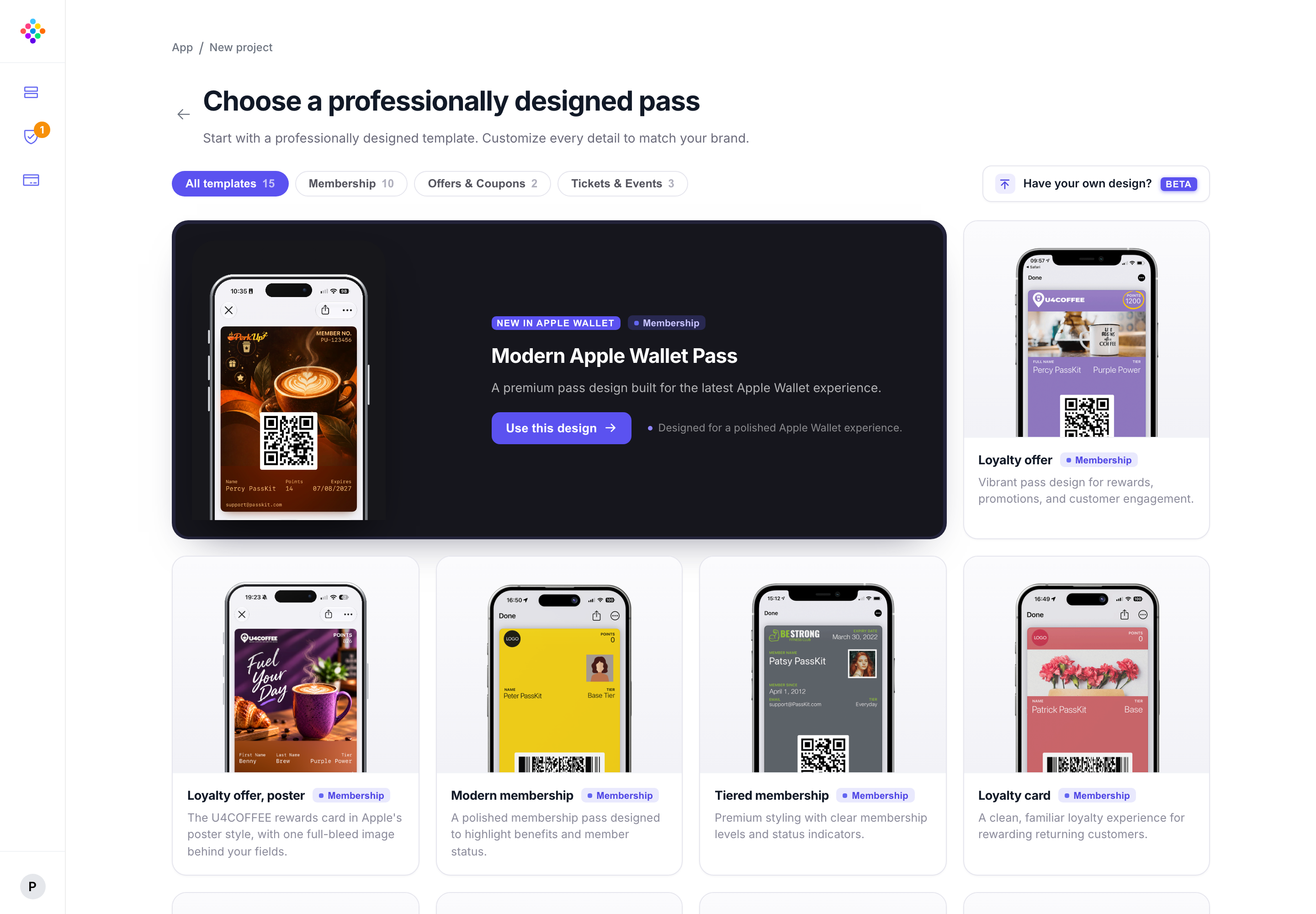
If you have already created a pass in Apple Pass Designer, import its .pkpasstemplate file into PassKit instead of starting again. You can also begin with a ready-made Poster Generic template.
Turn an Apple Pass Designer starting point into a PassKit project for issuing and managing live passes.
Explore Poster Generic Apple Wallet passesStart with the wallet experience. If the pass feels right, open the template in PassKit and make it your own.