Balance first
Gift cards work best when the remaining balance is quick to check and easy to use.

Create a digital gift card with visible balance and stored value customers can reopen easily.
Gift cards work best when the remaining balance is quick to check and easy to use.
You can try the format first, then adapt it to the way your own programme works.
The wallet is useful because customers can reopen the pass right when they want to spend it.
Balance changes often make updates and integrations more important later on.
Add the sample pass to your wallet to see how it looks, feels, and fits the customer experience before you start customising it.
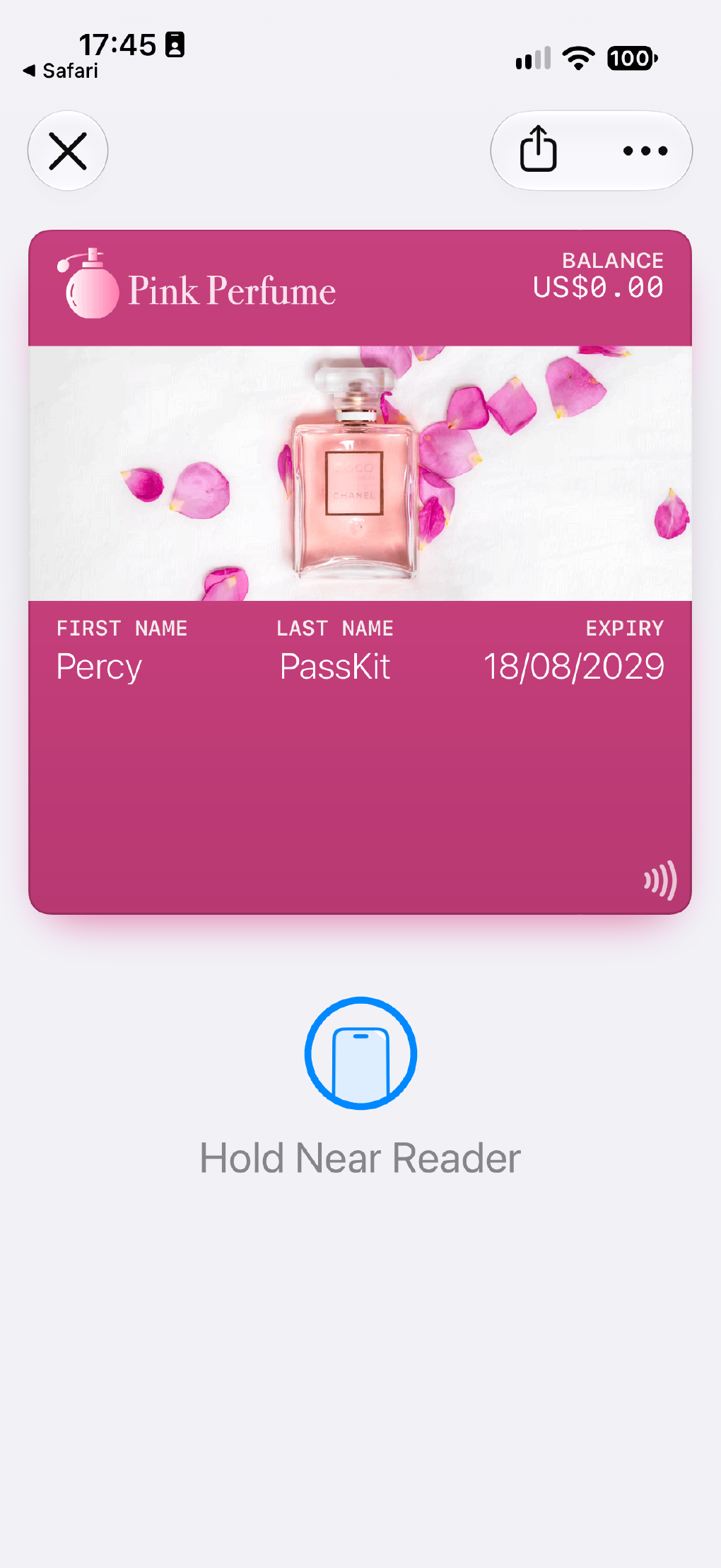
The next pages show how teams launch, price, and connect this pass type in practice.
The related use case shows the customer journey, operating model, and common ways teams use this format.
Related use caseSee the next steps for turning this example into a live programme.
Get startedSee how PassKit is priced while you are still shaping the scope.
See pricingExplore the developer pages if this pass needs APIs, automation, or system integration.
DevelopersQuick answers before you build.
Use it when customers need to check stored value easily and keep the gift card ready to use in their wallet.
Yes. This format works well when the current value needs to stay visible and easy to reopen before purchase.
Add the example to your wallet first, then use the template in PassKit to create your own version.